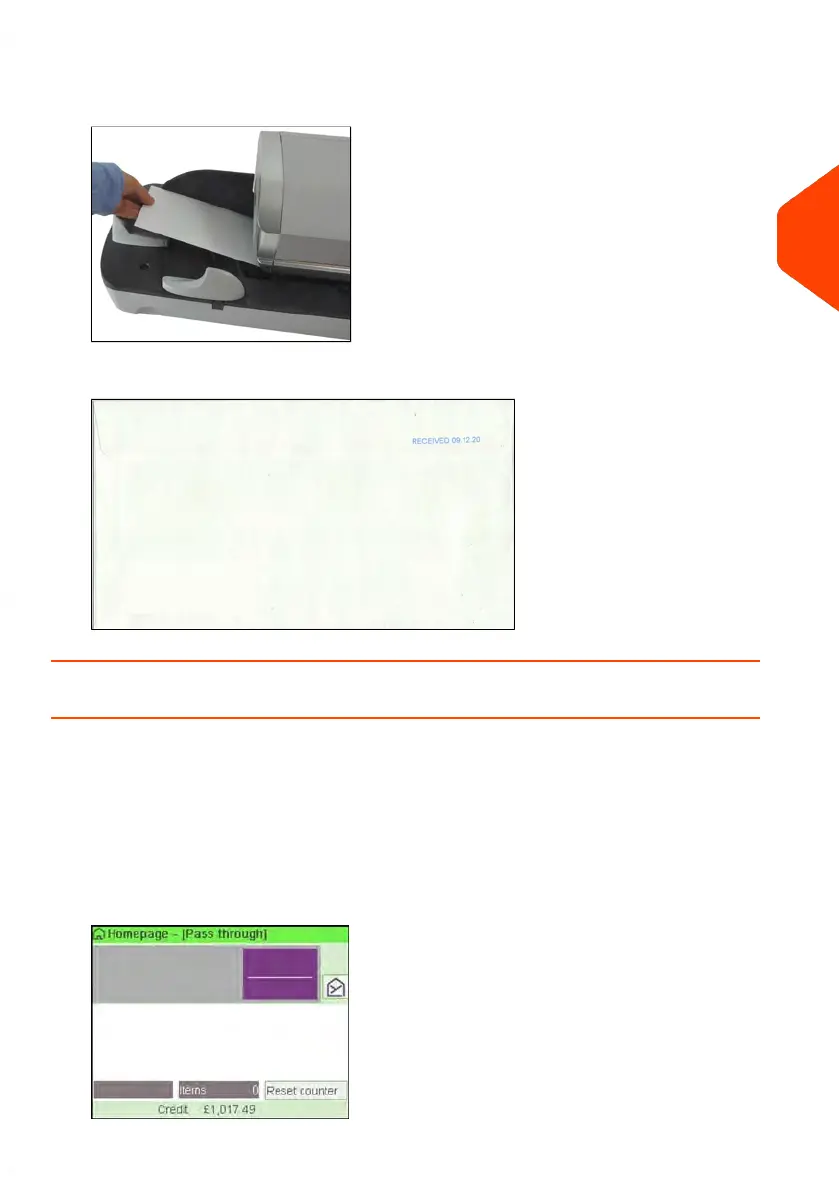
2. Insert the mail piece into the mail path against the rear-guide wall, side to be
printed facing upwards.
The Mailing System applies the imprint and the mail piece is sent to the catch tray.
How to Set [Pass Through] Mail processing
This section describes how to use the [Pass Through] type of imprint, for:
• Sealing envelopes using the auto-feeder sealer (if installed).
• Only conveying mail, for counting or testing purposes.
Main setting:
1. Make sure you are on the home screen of the [Normal] type of imprint.
The type of imprint is indicated at the top of the home screen as illustrated.
3
Processing Mail
55
| Page 55 | Jun-21-2021 12:11 |



 To Next Page