Creating Accounts6.4
Account summary
• The number of accounts you can create is set to 35 by
default and can be increased to 300 if required.
• To upgrade your system, please contact your Customer
Service.
• Account names must be unique within the system.
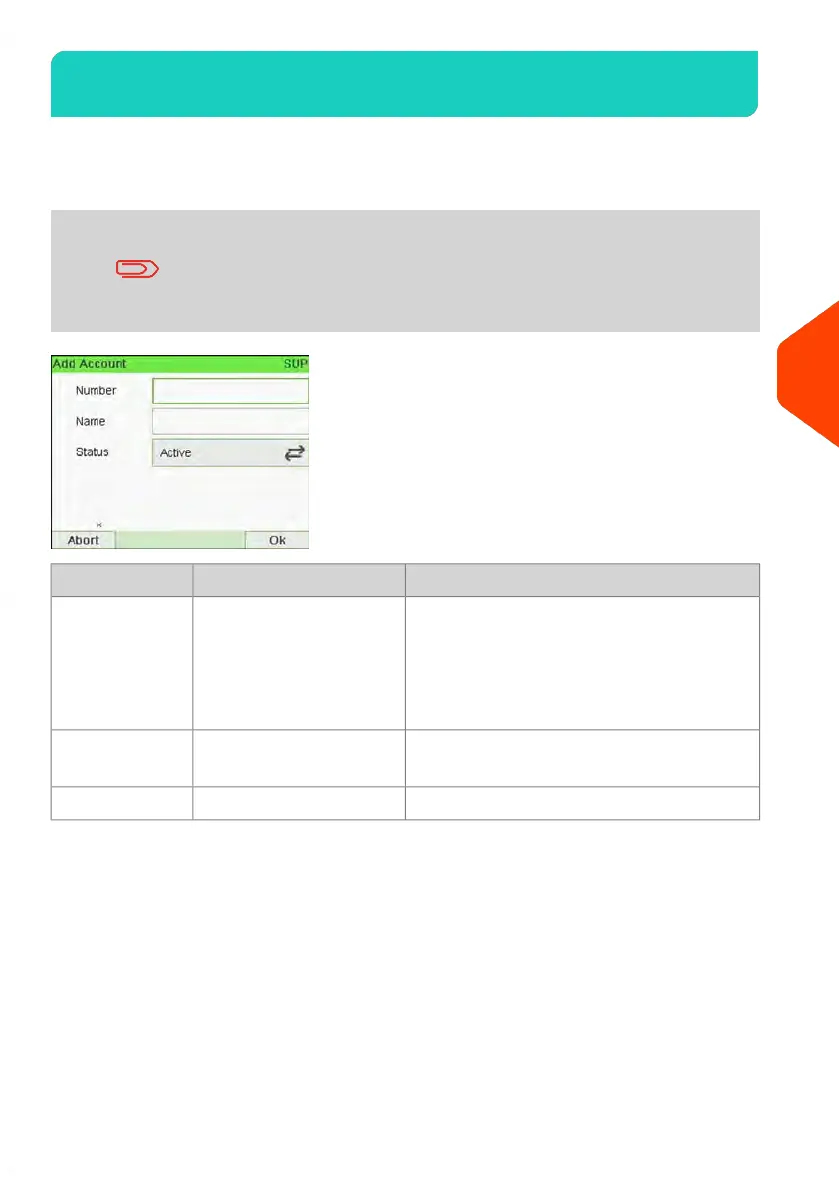
DescriptionFormatAccount Item
Number of the account. Two accounts
cannot have the same number.
An account number cannot be modified
after the account is created. However, the
account can be deleted.
30 Alphanumeric
Characters
Number
Name of the account. Two accounts
cannot have the same name.
32 Alphanumeric
Characters
Name
Only active accounts are visible to users.Active / InactiveStatus
135
| Page 135 | | Jun-21-2021 12:11 |
6
Accounts and Access Control



 To Next Page