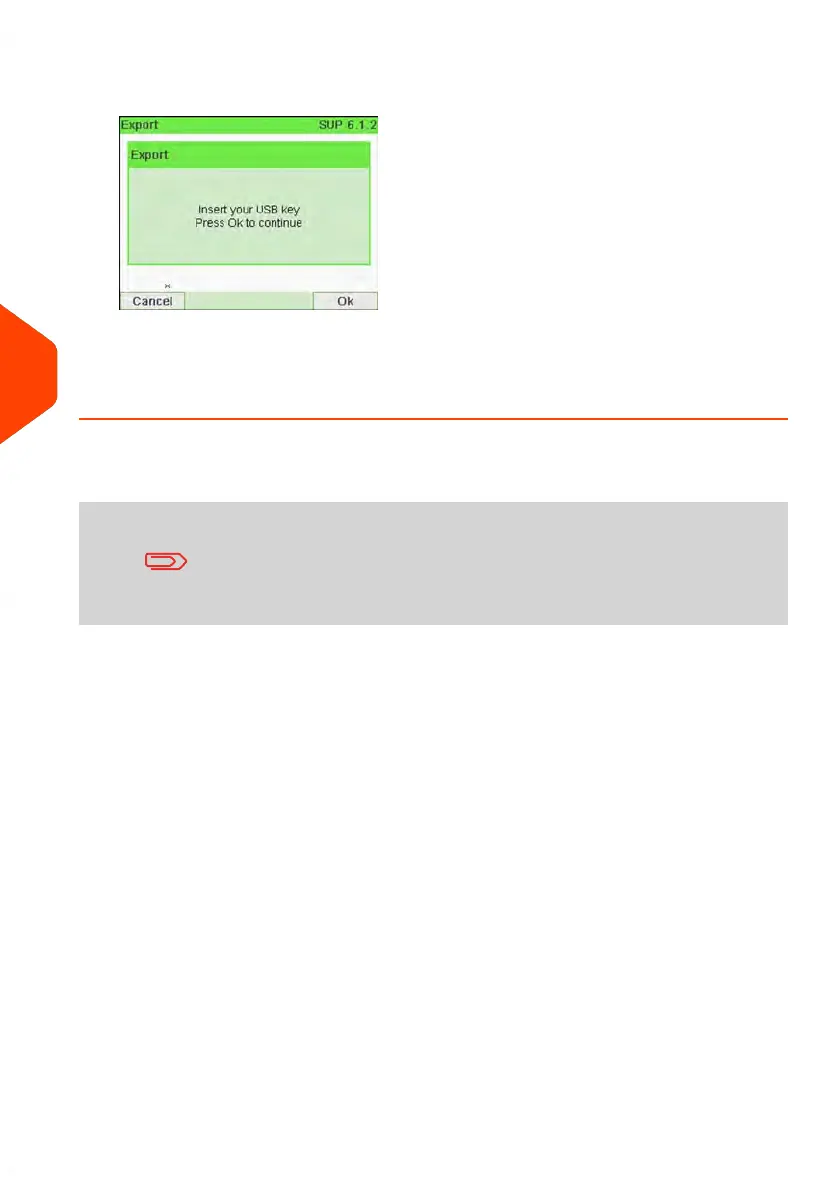
2. Insert the USB memory key into the USB port of the base (at rear left) and press
[OK].
3. Follow the instructions displayed on the screen.
At the end of the process, a message will inform you that you when you may
remove the USB memory key.
Account summary
• The number of accounts you can create is set to 35 by
default and can be increased to 300 if required.
• To upgrade your system, please contact your Customer
Service.
• Account names must be unique within the system.
144
| Page 144 | Jun-21-2021 12:11 |
6
Accounts and Access Control



 To Next Page