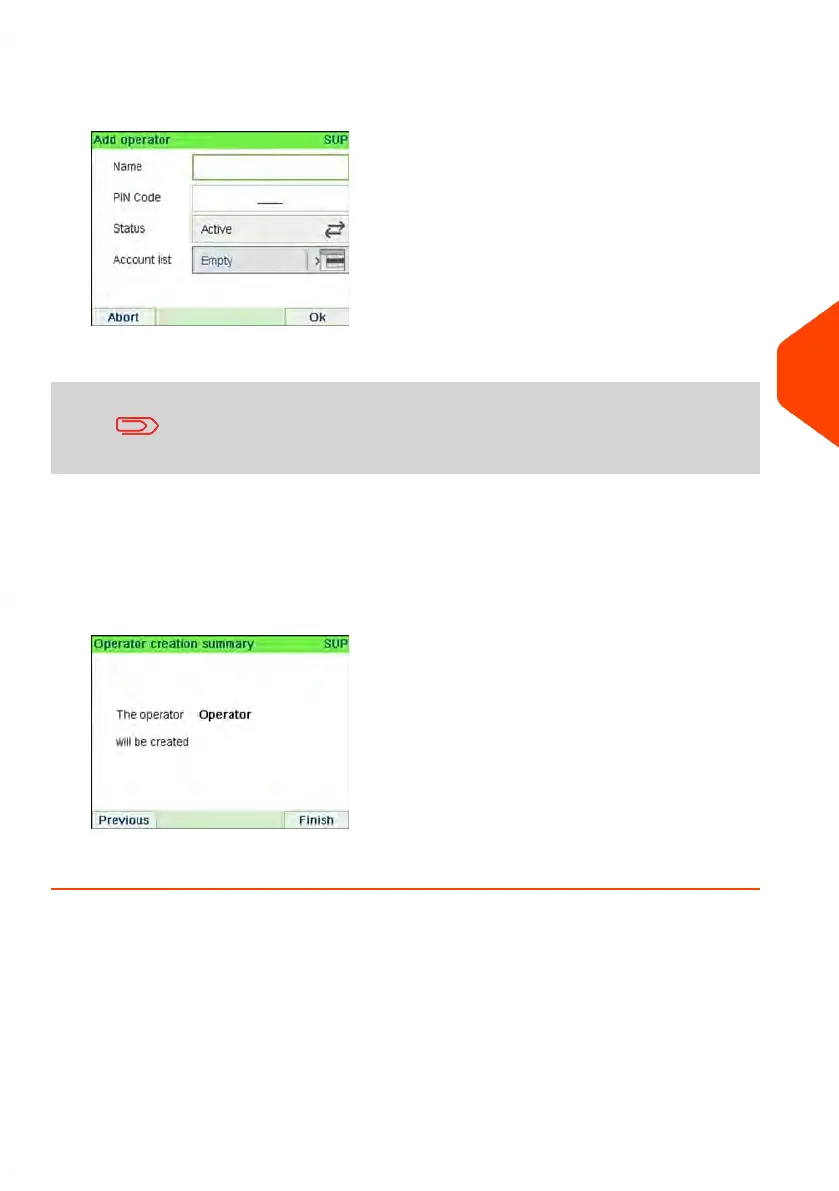
3. Select Add operator.
The Add operator screen is displayed.
4. Enter the options you wish to provide for this operator.
You must enter a unique PIN code (4 digit) for each operator.
5. In the Account List screens, successively select the accounts that the operator will
be allowed to use. You can complete this step later: see How to Assign Accounts
to an Operator on page 151.
6. Press [OK].
The Operator creation summary screen is displayed.
7. Press [OK] to create the Operator.
6
Accounts and Access Control
149
| Page 149 | Jun-21-2021 12:11 |



 To Next Page