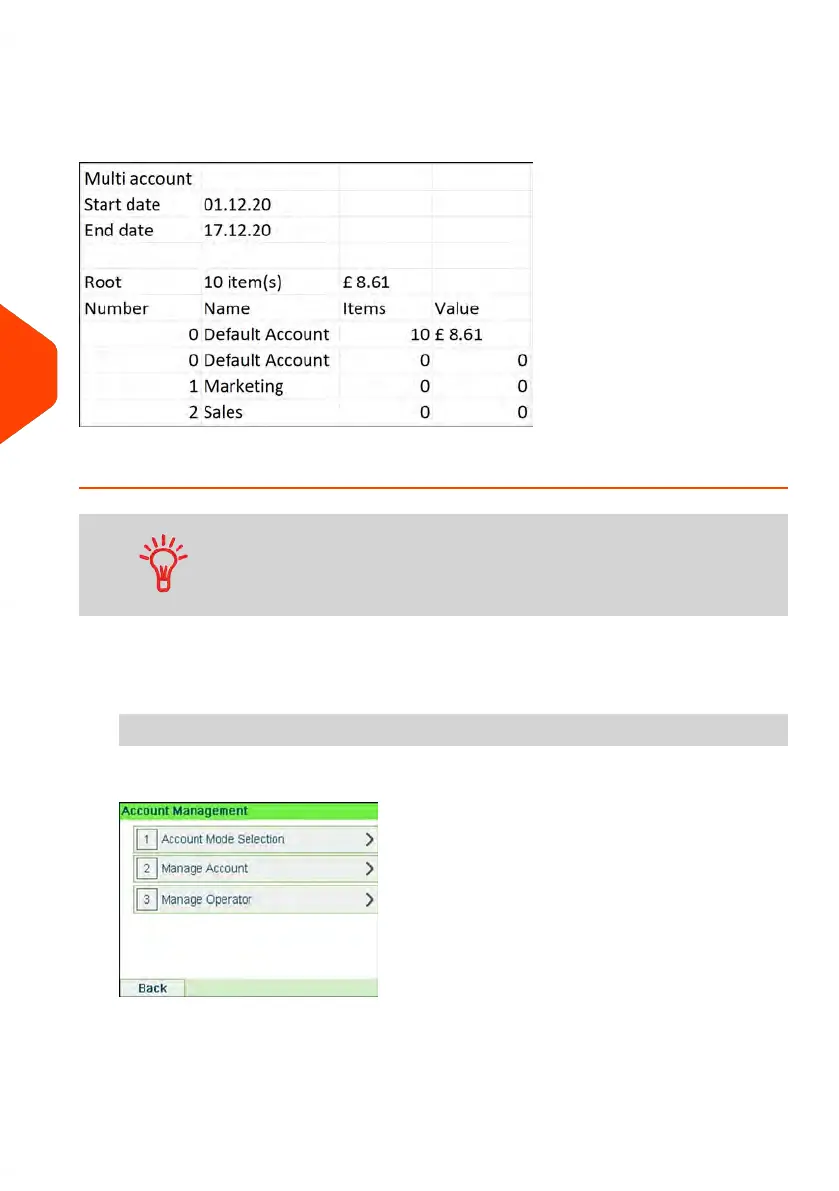
Output
• USB printer
• USB key
Content
How to Generate the Operator List Report
• This report displays the operator list with PIN codes.
• To generate this report, you have to be logged in as a
supervisor (not as a user).
• Report output is USB printer or USB memory key.
To generate the operator list report:
1. As supervisor (see How to Log in as Supervisor on page 207):
From the main menu, select the path: Account management
2. Select Manage Operator.
156
| Page 156 | Jun-21-2021 12:11 |
6
Accounts and Access Control



 To Next Page