1. As supervisor (see How to Log in as Supervisor on page 207):
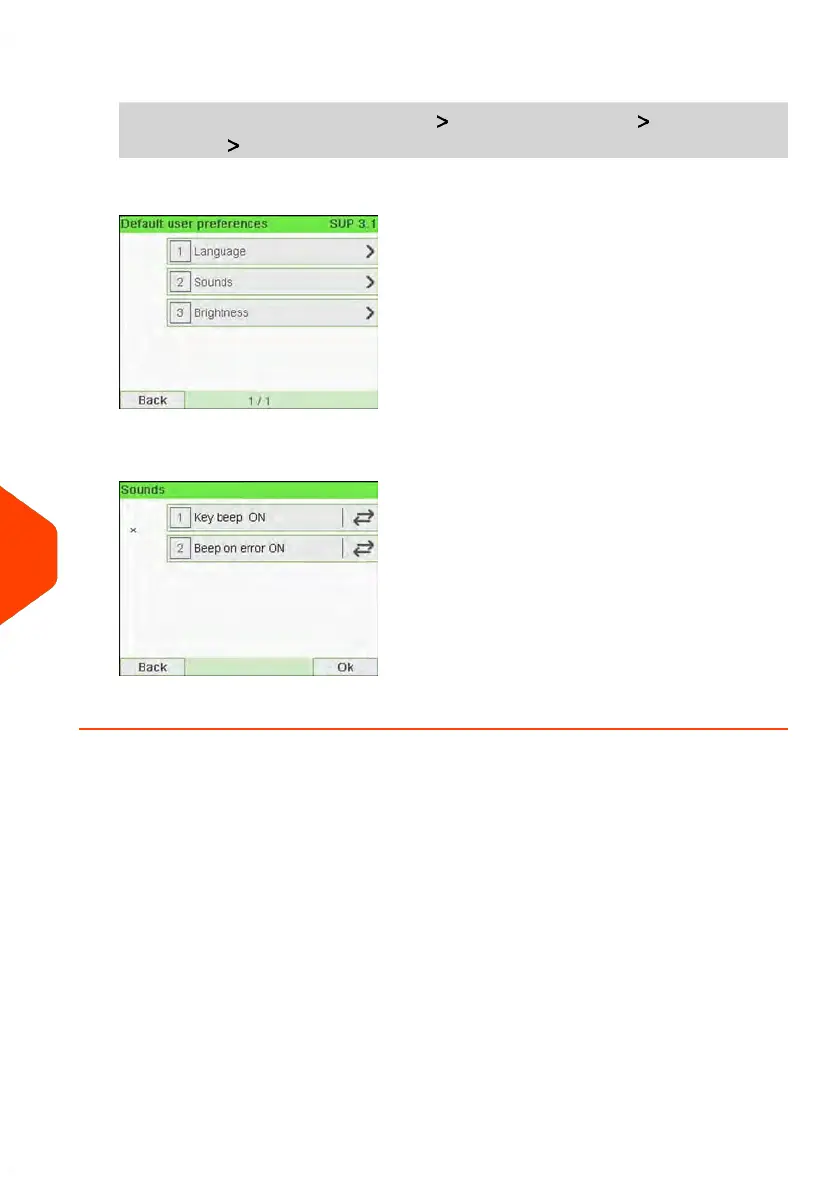
From the main menu, select the path: Default user settings Default user
preferences Sounds
2. Press hard keys next to Key beep ON/OFF and/or Beep on error ON/OFF to
enable/disable the sounds.
3. Press [OK] to validate.
214
| Page 214 | Jun-21-2021 12:11 |
10
Configuring your Mailing System



 To Next Page