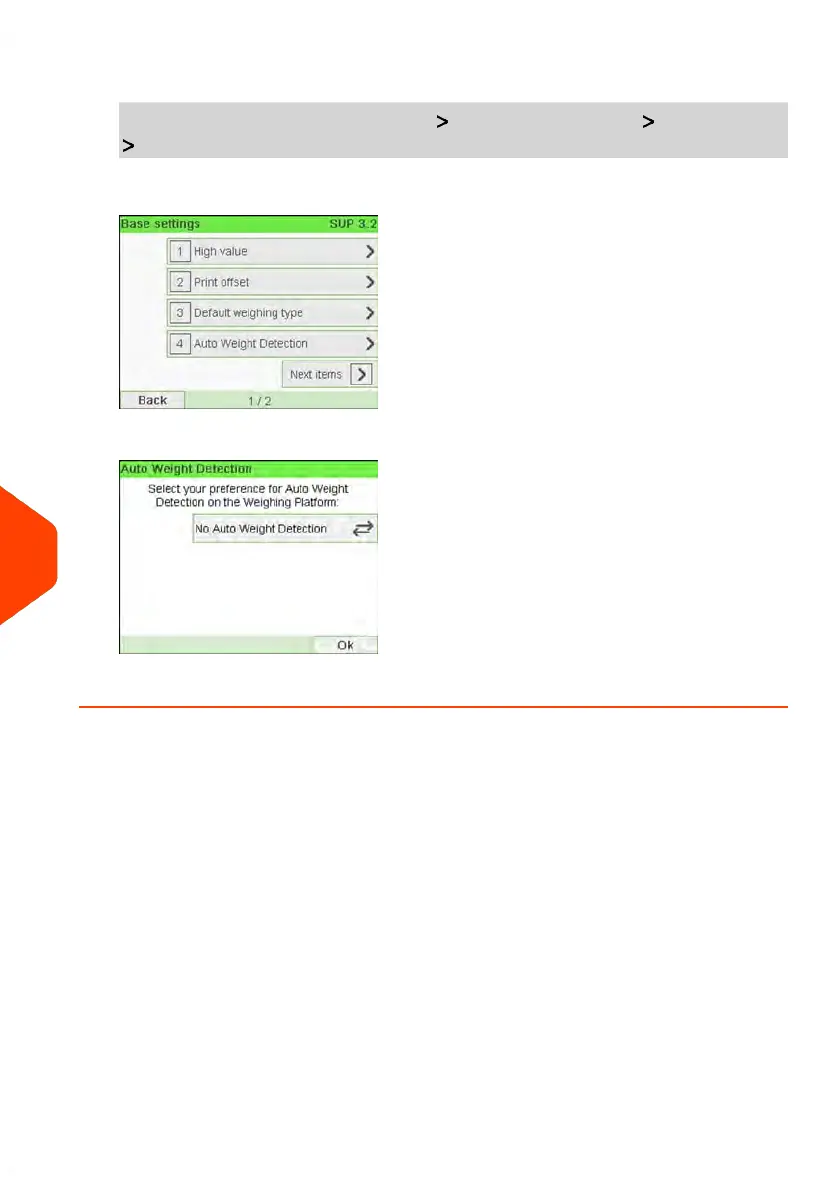
1. Log in as the Supervisor (see How to Log in as Supervisor on page 207), then:
From the main menu, select the path: Default User Settings Base Settings
Auto Weight Detection
2. Select No Auto Weight Detection to de-activate the function.
3. Press [OK] to validate.
222
| Page 222 | Jun-21-2021 12:11 |
10
Configuring your Mailing System



 To Next Page