6. Proxy is OFF by default. If select Proxy is ON and press [OK].
The Proxy settings screen will display:
- Proxy URL: Empty by default. Value chosen by supervisor.
- Proxy Port: 8080 by default. Value chosen by supervisor.
- Proxy Domain Name: Empty by default. Value chosen by supervisor.
- Proxy Username: Empty by default. Value chosen by supervisor.
- Proxy Password: Empty by default. Value chosen by supervisor.
Press [OK].
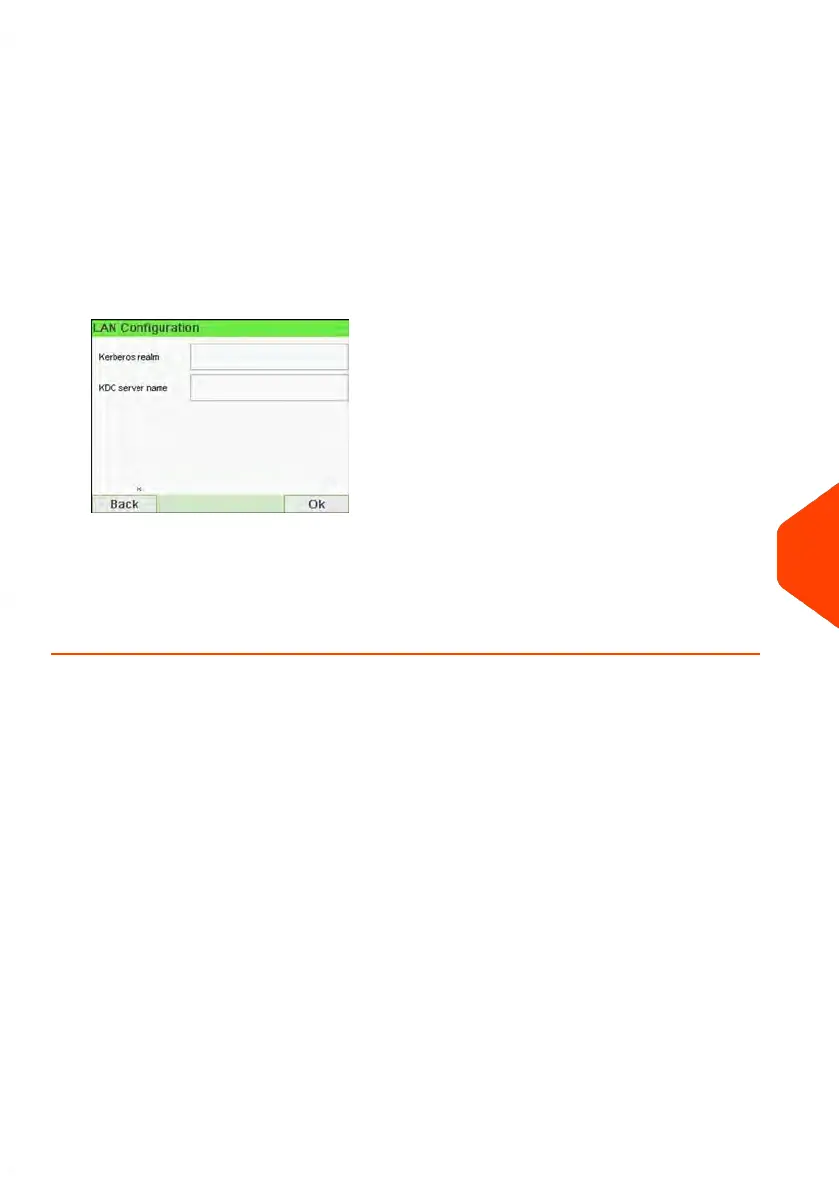
The Proxy-Kerberos settings screen will display:
- Kerberos realm: Empty by default. Value chosen by supervisor.
- KDC server name: Empty by default. Value chosen by supervisor.
7. Press [OK], the system will come back to the beginning screen and accept any
changes.
10
Configuring your Mailing System
249
| Page 249 | Jun-21-2021 12:11 |



 To Next Page