1. Either:
Press and select the path: Rate selectionPress or
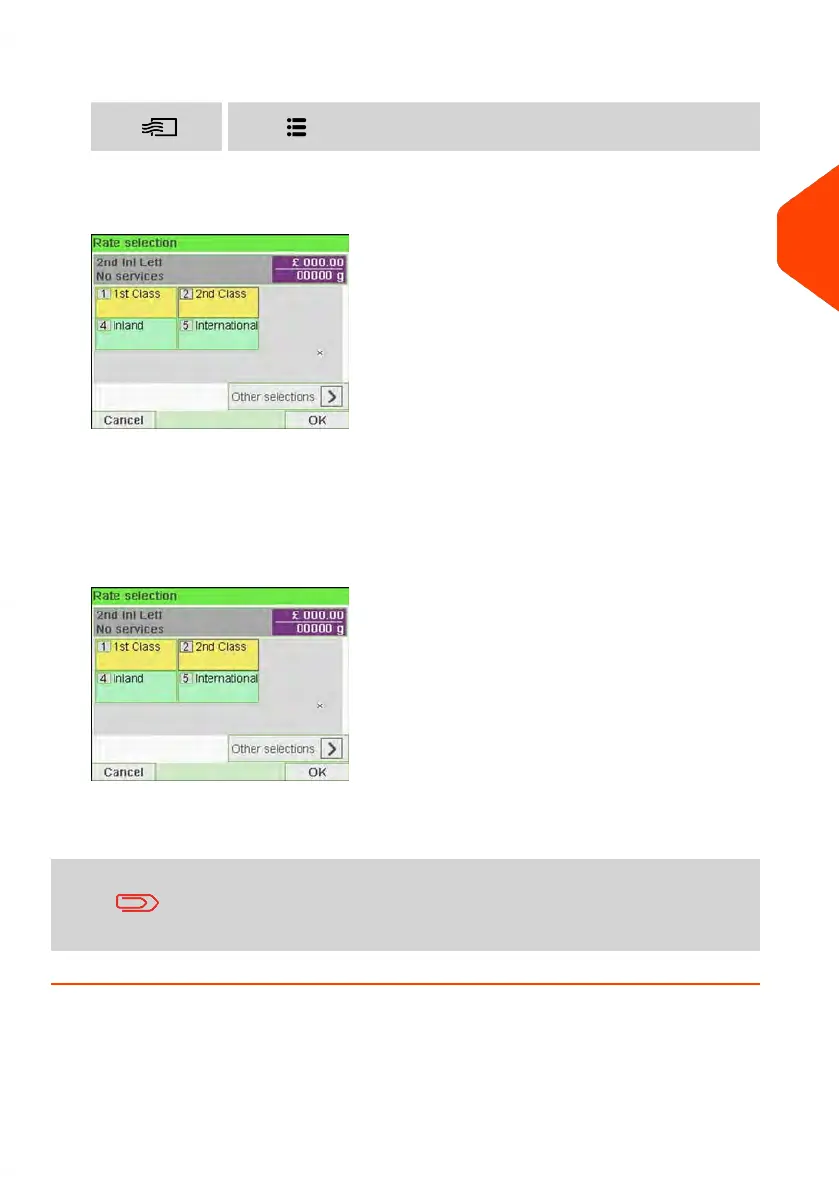
The Rate Selection screen is displayed.
2. On that screen, you can:
Press one of the rate buttons (or type the number) to select the rate or display
rate options.
Press Other selections and then Rate History to select a recently selected rate or
Rate Wizard to build the rate with the wizard help.
3. Follow the instructions on screen and, once you have chosen the rate and services,
press [OK] to validate your selection.
Postage displayed on the screen is zero as long as the weight
is not known (= zero).
3
Processing Mail
71
| Page 71 | Jun-21-2021 12:11 |



 To Next Page