288 Chapter 9 Testing HDMI Sink Devices
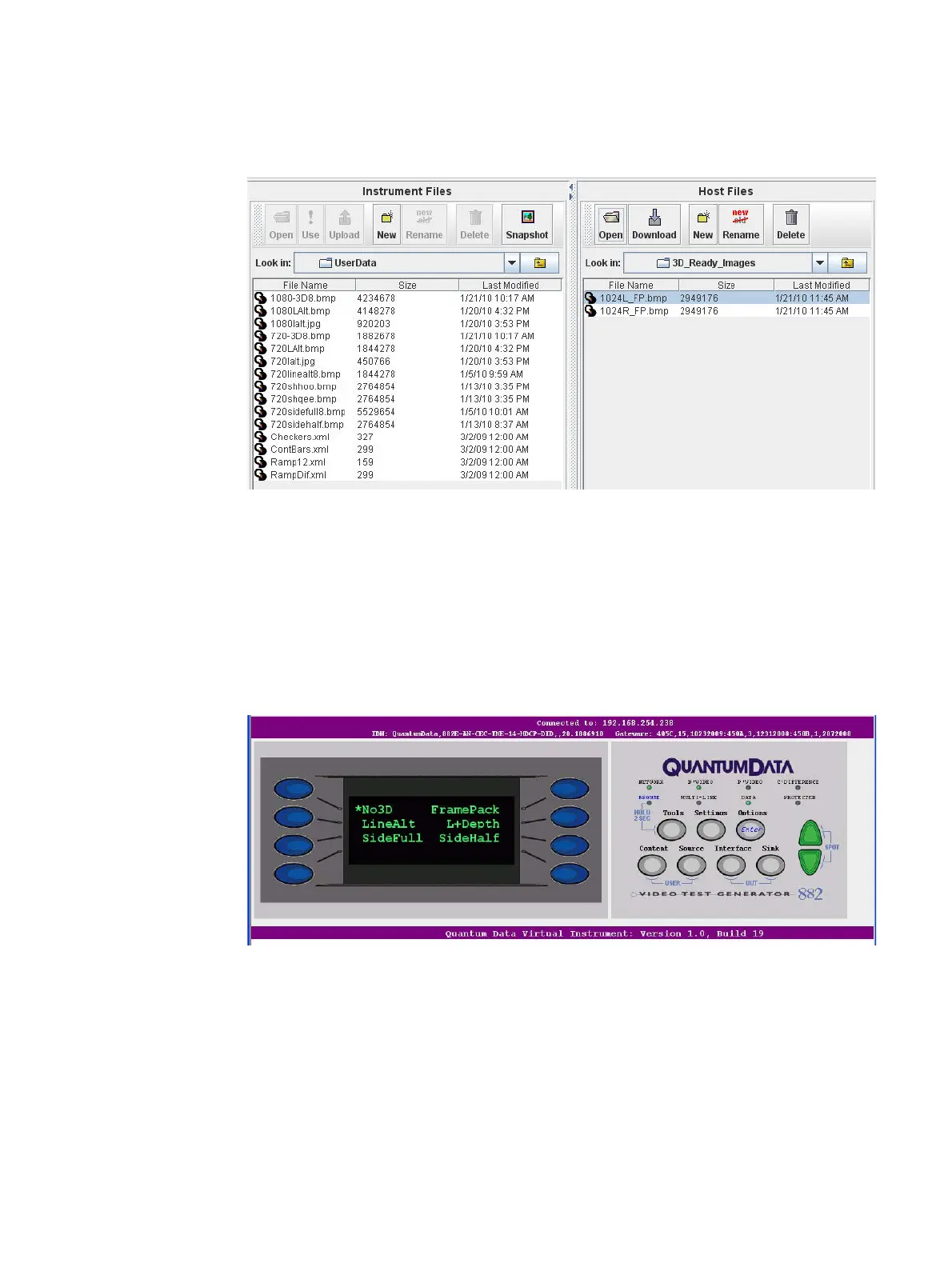
card0/library/UserData directory, and then transfer the files from your Host Files on the
PC to the Instrument Files. Refer to the following screen.
3. Select the format from the 88x using either the front panel or the command line.
To load the format through the front panel:
a. Press the Source button and then select the format. Be sure and select the format
that is associated with the 3D ready bitmap image you are intending to render. Note
that the 88x should be in the Basic mode when you select the format.
b. Press the Options button repeatedly until the 3D menu appears. Select the desired
3D Structure as shown below:
To load the format through the command line. Enter the following commands (example
only):
FMTL 720p20
X3DM 1 0 // Use the table below to determine what values to enter
FMTU



 To Next Page