882 Video Test Instrument User Guide (Rev A.35) 43
3. Edit the fields in Block#1 in accordance with your requirements.
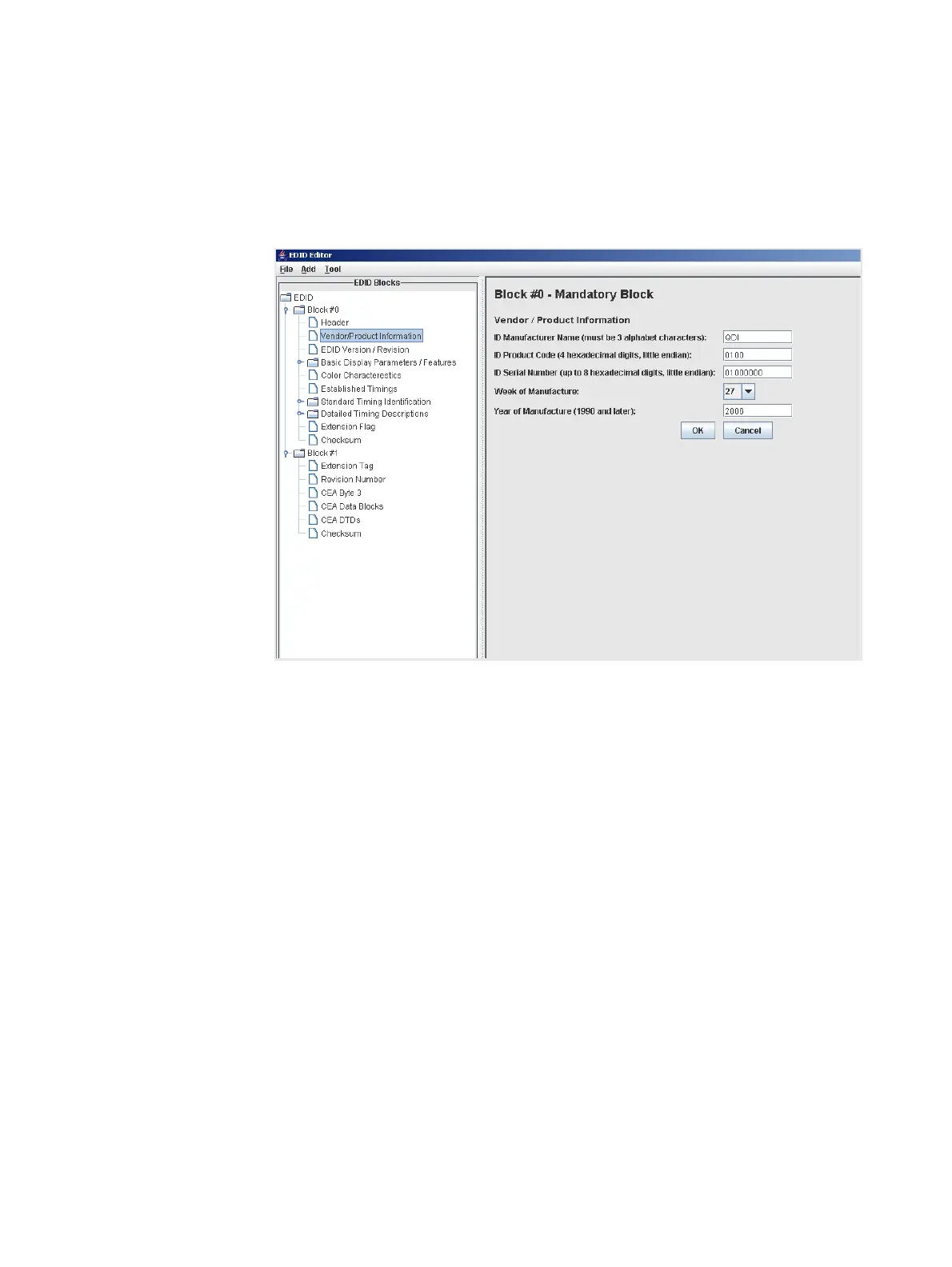
This screen shows the Vendor/Product Information screen where you will need to make
some edits. When you change the value of any field (either a free form text field,
pull-down select box or check box), make sure to click the OK button to invoke the
change. If you make a change by mistake, click on the Cancel button.



 To Next Page