Corporation. All rights reserved.
SMART-Sensor
™
Onboard Options
Temperature
Slider
Override
Humidity
Map Remaining
Desired Points
A
B
C
D
NO
NO
NO
NO
YES
YES
YES
YES
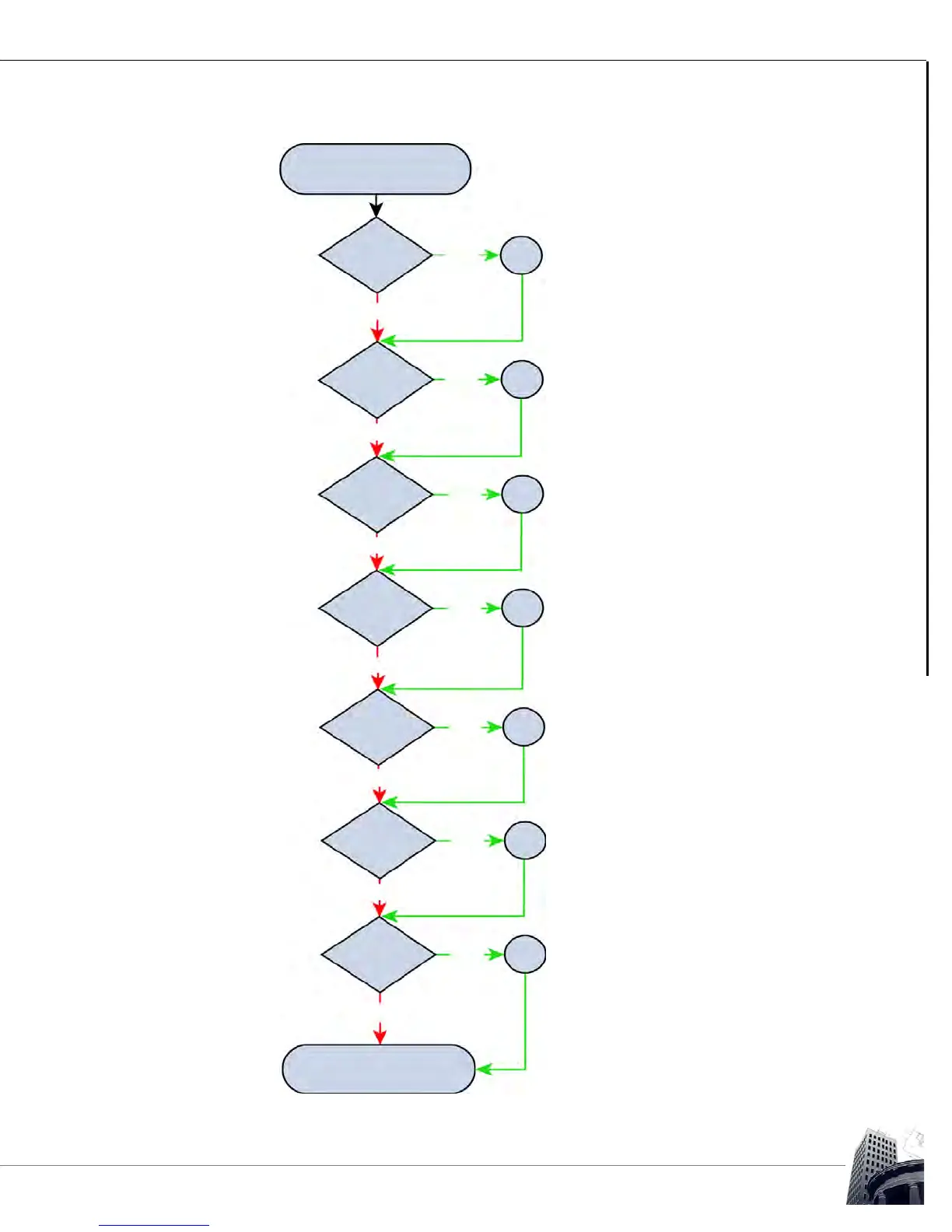
Enter the appropriate variable (VAR) from the
host controller into Row 1 of the SMART-
Sensor worksheet and select the suitable
temperature range.
On -S models, the VAR used to map the
slider setpoint must be entered in Row 2.
On -O models, the VAR used to map the
override button must be entered in Row 3
with a Range set to On/Off.
On -H models, the VAR used to map relative
humidity must be entered in Row 4.
On -OC models, the VAR used to map the
motion sensor must be entered in Row 5.
See SS-L Product Bulletin 4294.
On -CO2 models, the VAR used to map the
CO
2
sensor must be entered in Row 6 with a
Range set to PPM.
On -IO models, the VAR used to map SS
input 1 must be entered on Row 7 and the
VAR used to map SS input 2 must be entered
on Row 8. The VAR used to map SS output 1
must be entered on Row 9 and the VAR used
to map SS output 2 must be entered on Row
10.
Motion
E
YES
NO
CO
2
D
NO
YES
I/O
E
YES
NO



 To Next Page