96
2004 – 2014 Reliable Controls
®
Corporation. All rights reserved.
FIGURE 87: SS ONBOARD FLOW CHART WORKSHEET PROGRAMMING FOR RESERVED POINTS
The valid temperature range of an input for the SS-IO is limited between -40 to 120 °C
(-40 to 248 °F).
TABLE 20: SS PROGRAMMING EXAMPLE POINT LIST
Point Point Name Type Point Mnemonic Editable
Point 1 VAV7-RmT Analog 1VAR1 Can Change
Point 2 VAV7_RmT-Sp Analog 1VAR2 Can Change
Point 3 Rm1-OVR State 1VAR3 Can Change
Point 4 Rm1-Humidity Analog 1VAR4 Can Change
Point 5 Rm1-Motion State 1VAR5 Can Change
Point 6 Rm1-CO2 Analog 1VAR6 Can Change
All values that must be modifiable by the SS, including both onboard options and/or
operator modification, will have to be configured as Can Change.
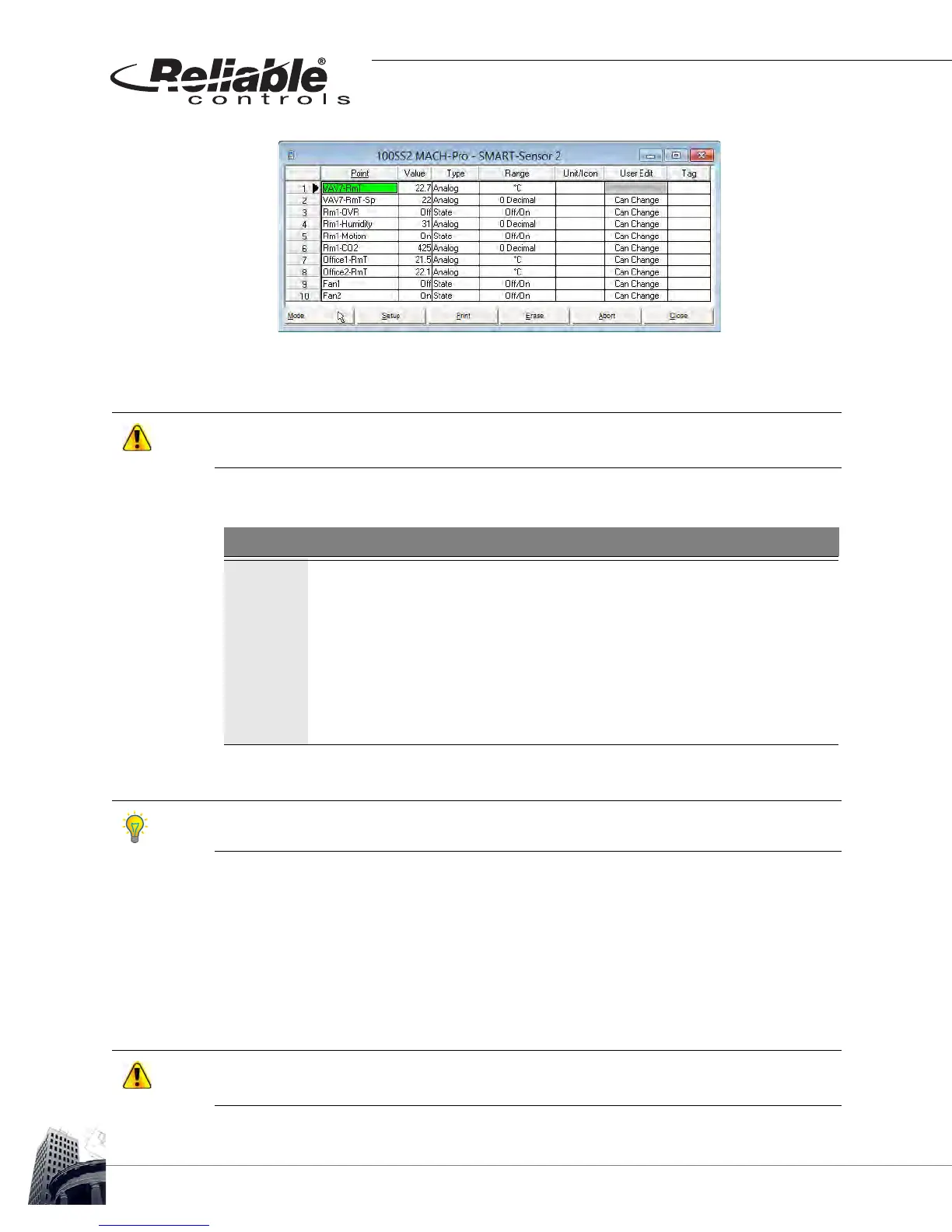
5 Program each row of the SMART-Sensor worksheet with the desired points.
Points are mapped from a host controller to the SS by entering the point
descriptor, label or mnemonic in the Point column of the SMART-Sensor
worksheet. Alternatively, points may be dragged from a host controller
worksheet and dropped in the desired Point cell on the SMART-Sensor
worksheet.
New points can not be created in an SS. Every point used on an SS must already exist in a
MACH-System controller.



 To Next Page