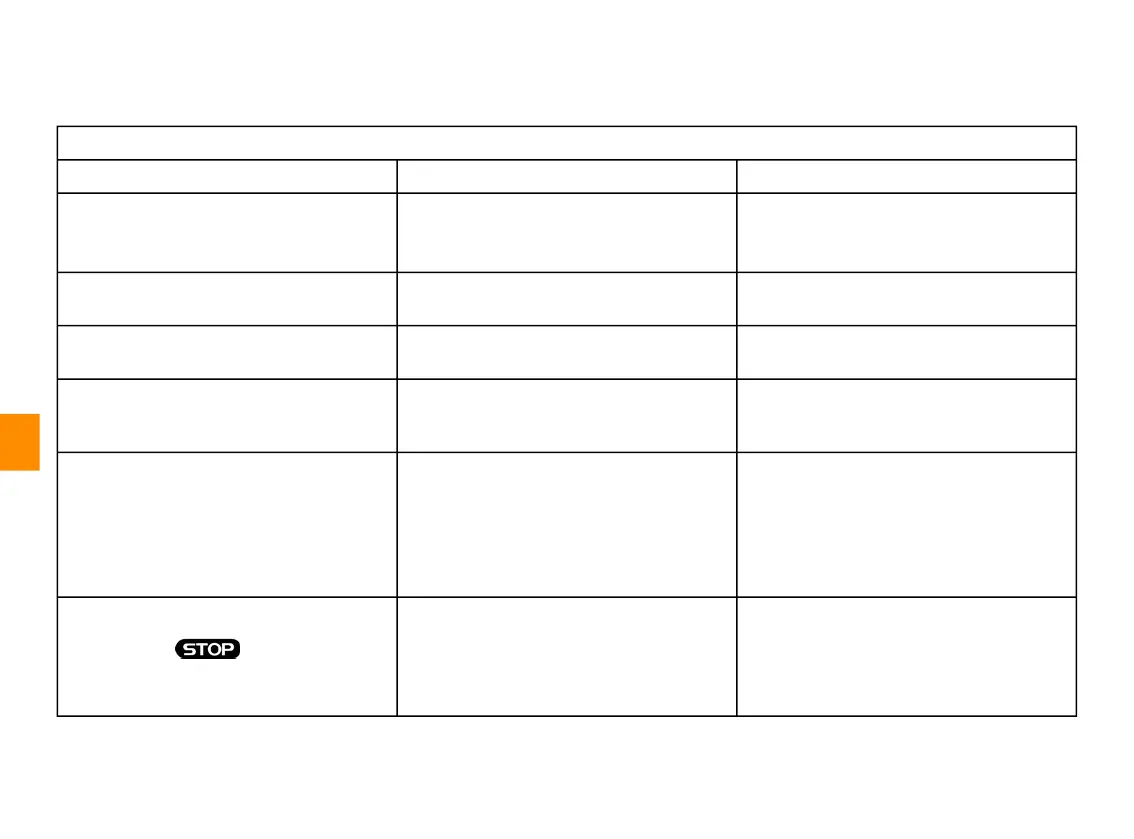
OPERATING FAULTS
7
140 - Settings
Update
Update
Description Causes Solutions
Downloading the new SW takes a very
long time.
Poor reception of the Internet network.
The download requires a minimum
driving time.
Move the vehicle to an area covered by
the Internet network.
Carry out additional driving phases.
The update completion is never
requested.
The vehicle is not secured. Check that the vehicle is properly
stopped (parking brake applied).
Screens are off, loss of sound, loss of
some functions during the update.
The update is in progress. Wait for updating to end.
The request to complete the update
does not appear.
No response in the month following the
beginning of the update.
The server will restart the operation later.
You can manually check if the update is
still available.
The update was not completed. Updating system internal error: the other
functions are not affected.
Incompatibility with direct current
charging (specific to electric/hybrid
vehicles).
Consult an approved dealer.
Wait until the update is complete before
performing a direct current charge.
For more information on the warning
lights, please refer to the vehicle user
manual.
The update failed to complete due to an
error and the warning light is
displayed.
Critical error. The vehicle must not be restarted. Call
an approved dealer.
For more information on the warning
lights, please refer to the vehicle user
manual.



 To Next Page