MUSIC
3
62 - Audio/Multimedia
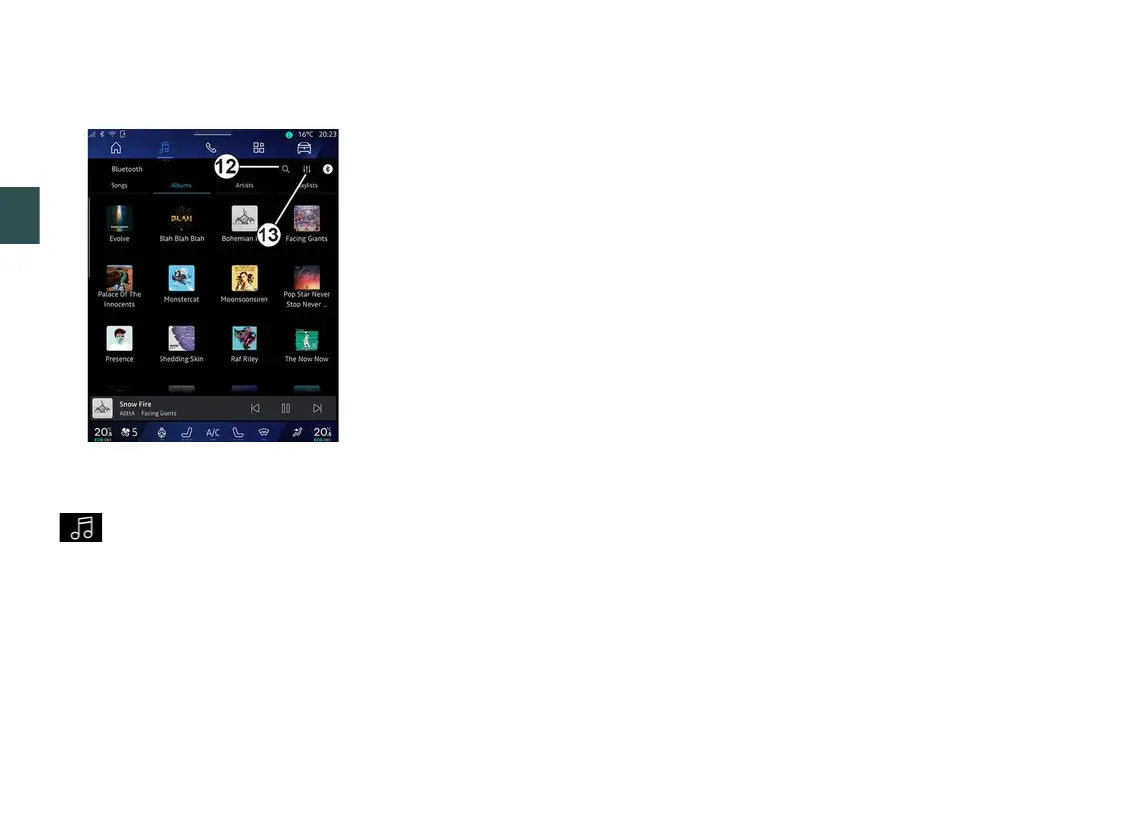
"Search"
(Depending on the type of "Sources")
By pressing the "Search" icon
12
(availability depends on the
"Sources" type in the "Audio" World
) you can search for:
– a track title;
– an album;
– an artist;
– a Playlist;
– ...
Enter the name using the keyboard.
As soon as you enter the first letters,
the multimedia system suggests
associated names.
Select the name from the list of
suggestions.
"Audio settings" 13
From the icon
13
you can adjust the
audio settings.
For further information on the available
settings, see the section on "Audio
settings".



 To Next Page