• To deepen the color of the grid line, select the [Darken the color of grid/guide line] check box in
System Settings. For details, see page 160 "Changing the System Settings".
• 3,000 total strokes, fair copy entry text, figures, and stamps can be drawn on a single page. The
maximum number of each item that can be entered on a single page is as follows:
• 3,000 strokes
• 1,000 characters (Japanese, Chinese), or 1,000 words (alphanumeric characters)
• 1,000 figures
• 500 stamps
• 90,000 total strokes, fair copy entry text, figures, and stamps can be drawn on all pages.
Writing in handwritten entry mode
Write freehand text or draw figures.
1. Touch , the Handwritten Entry mode icon.
2. Select the color and thickness of the line you are drawing from the submenu.
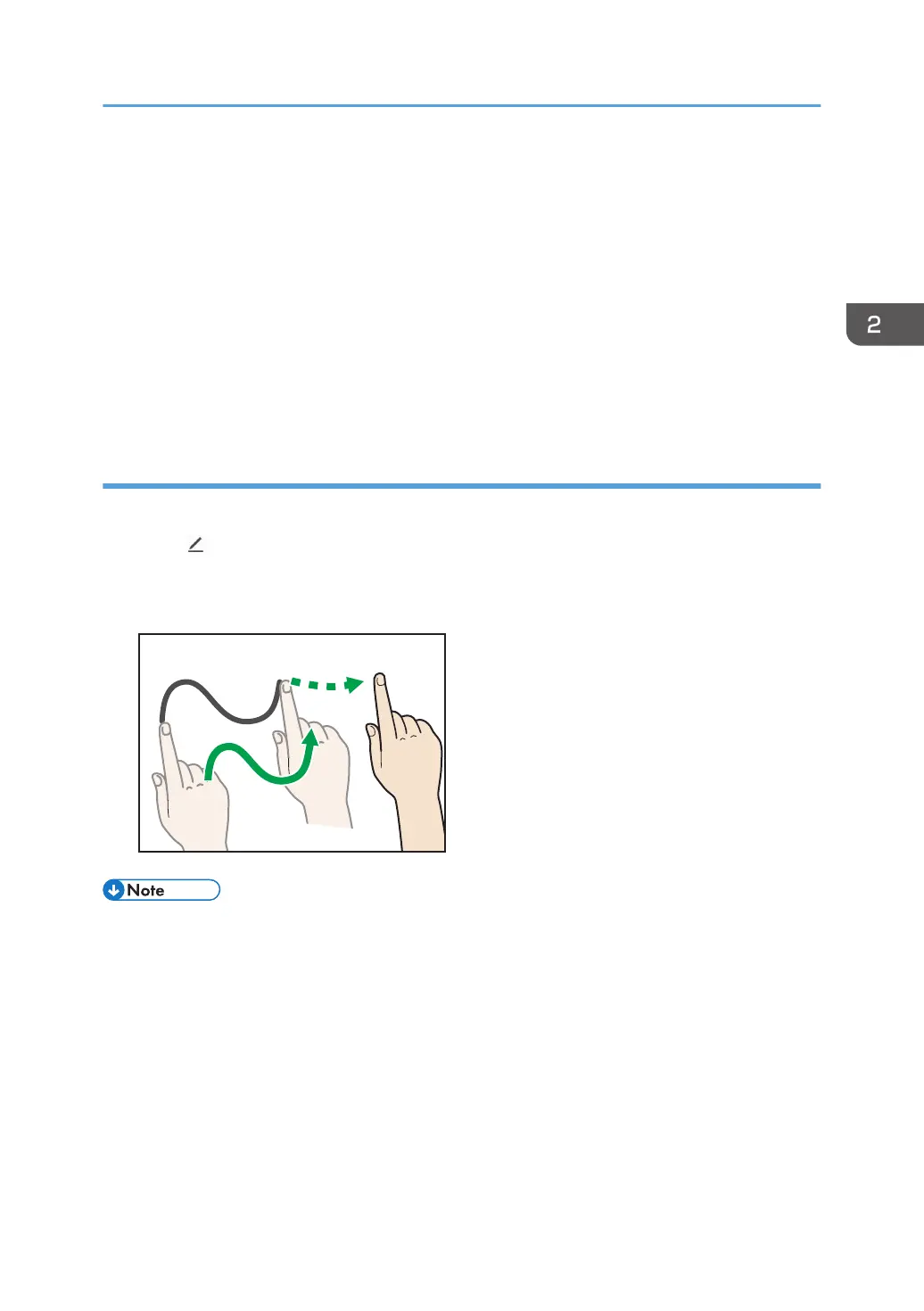
3. Move your finger on the screen.
• In handwritten entry mode, you can write up to 4 strokes at one time. To enter multiple strokes
simultaneously, enable [Handwritten Entry with Multiple Touch Pens (Cannot operate whiteboard
using fingers)] on the Detailed Settings screen of the whiteboard. For details, see page 123
"Changing the Detailed Settings".
• Operations using your fingers (displaying the enlarged image, switching pages) cannot be
performed while this function is used.
• The input mode cannot be switched to fair copy entry, line entry or stamp entry while an entry
is being made.
Basic Operations
31



 To Next Page