5.5.32 Modbus Read
Fashion: Classic:
Short description:
When there is a high level at En, the Modbus Read block will be activated and the xLogic shall
communicate with a peripheral device as a master via RS232 or RS485 interface. Furthermore, the
output will be switched on when communication is established successfully. Otherwise the output (Q pin)
remains “off” which means communication has failed.
A signal at input R resets output Q and disables this block at the same time
A high signal at En input will enable “Modbus Read” function block to be activated
To disable the MODBUS read function and set the output to 0 via the R (Reset)
input. Reset has priority over En
Slave address: 1 is default .
Communication protocol: Modbus(RTU)
Communication parameter: baud rate (BPS),Data bits, Stop bits,
Parity, Overtime (response time out)
Comm Type: RS232,RS485,Ethernet( Communication interface of xLogic )
Data register Index: High Low /Low High
Command: 01 Read coils(0x)
02 Read Discrete Input(1x)
03 Read Holding Registers(4x)
04 Read Input Registers(3x)
Register start address, count
Q is set or reset depending on the communication status.
Successful communication , Q=1;
Failed communication ,Q=0;
Note:
This function block(com type: Ethernet) can not be used for the Ethernet
CPU(ELC-12DC-DA-R-N) built-in web server, it is only for the old version, if you are using new
series Ethernet(hardware version:1), please use the MODBUS READ WRITE block instead.
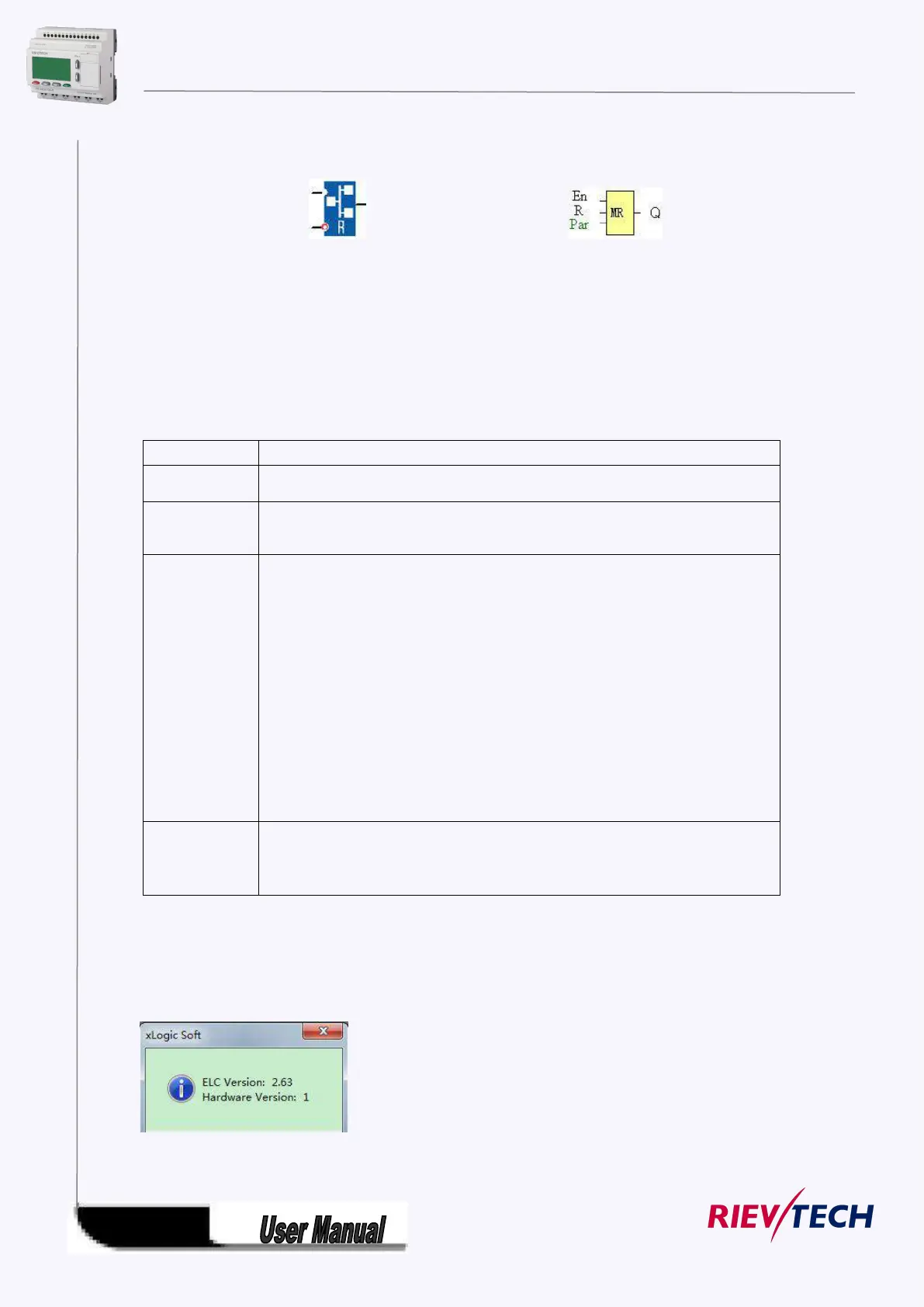
Get the version number by the software menu Tools-> transfer-> Get PLC version



 To Next Page