4.3.1 How to switch Run/Stop
You should first select FUNCTION PAGE. (Read 4.3)
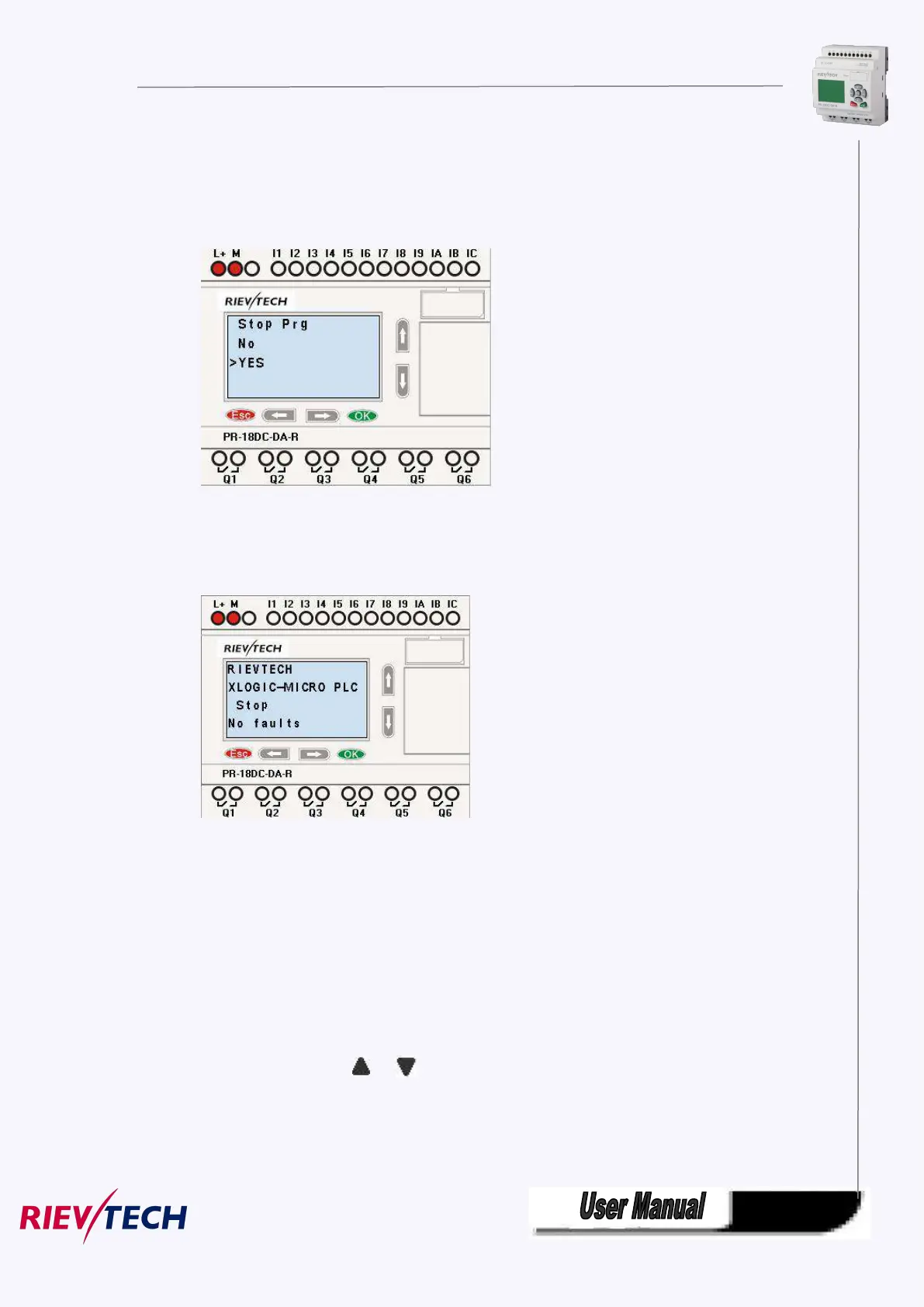
1. Move the cursor to “Run/stop”: Press “UP” or “DOWN” key.
2. Move the cursor to "Yes": Press OK key.
After pressing ESC key, you’ll find out your circuit program has changed to “stop” status as figure below
shows:
4.3.2 Set parameter
If you want to select a parameter, you need do as the following procedures:
1. Under the FUNCTION PAGE, select
“Set parameter”: Press or key



 To Next Page