an ENABLE FUNCTION Discrete-type input
If the VALUE 1 or VALUE 2 input is not connected, the value is set to 0.
The function provides a discrete-type OUTPUT.
The output is active if the result of the comparison between VALUE 1 and
VALUE 2 is true and if the ENABLE FUNCTION input is active or not connected.
The output does not change state if the ENABLE FUNCTION input changes from
Active to Inactive state.
The comparison operators that can be chosen from the Parameters window
are:
Symbol Description
Greater than.
Greater than or equal to.
Equal to.
Different.
Less than or equal to
Less than
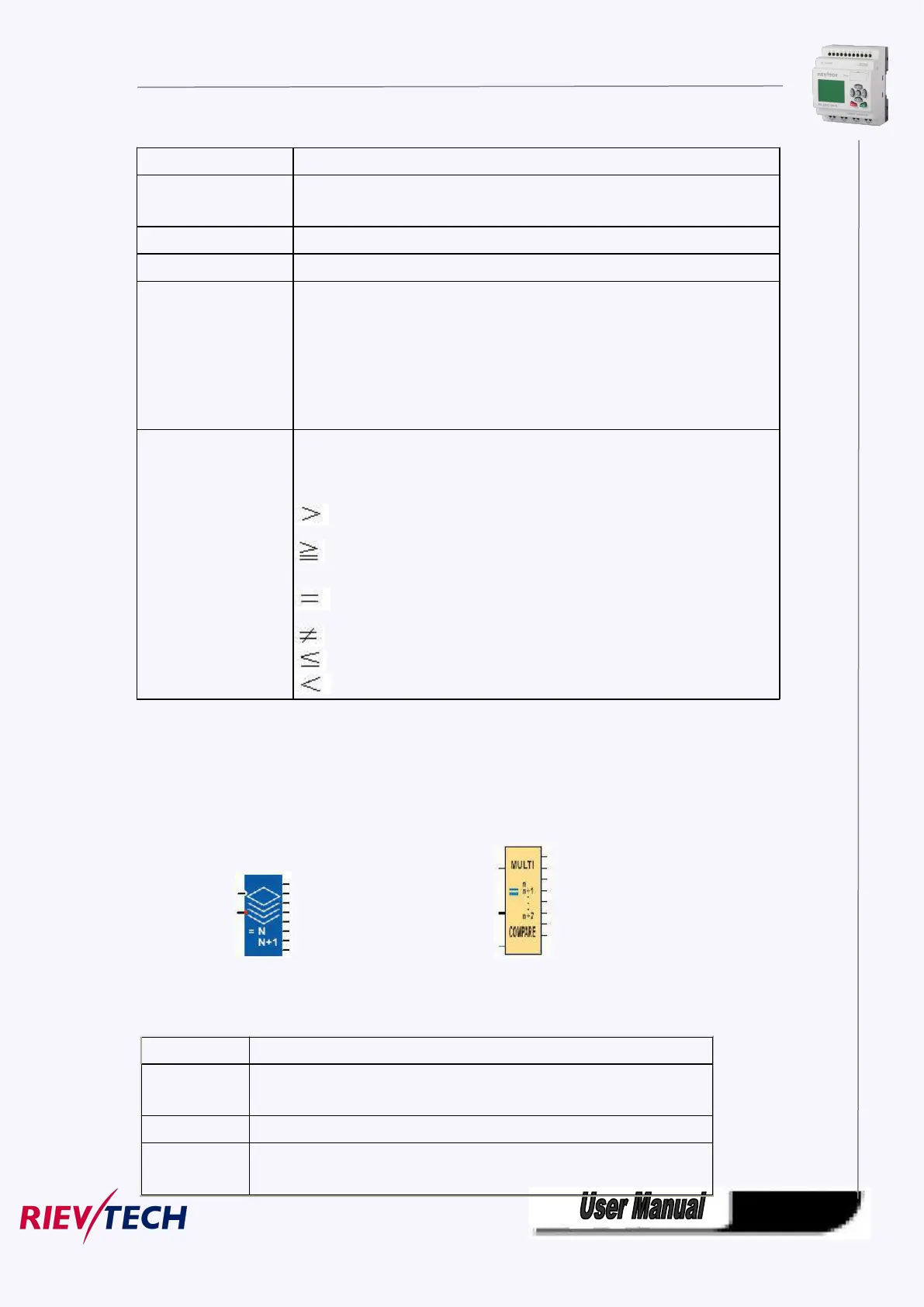
5.5.53 Multicompare
Fashion: Classic:
Short Description:
This function is used to activate the output corresponding to the value present on the "Value" input.
Function validation input. Until this input is activated, the function remains
inert. Validation is active implicitly if it has not been connected.
VALUE N: Output ON if Value = Value N.
VALUE N + 1: Output ON if Value = Value N + 1.



 To Next Page