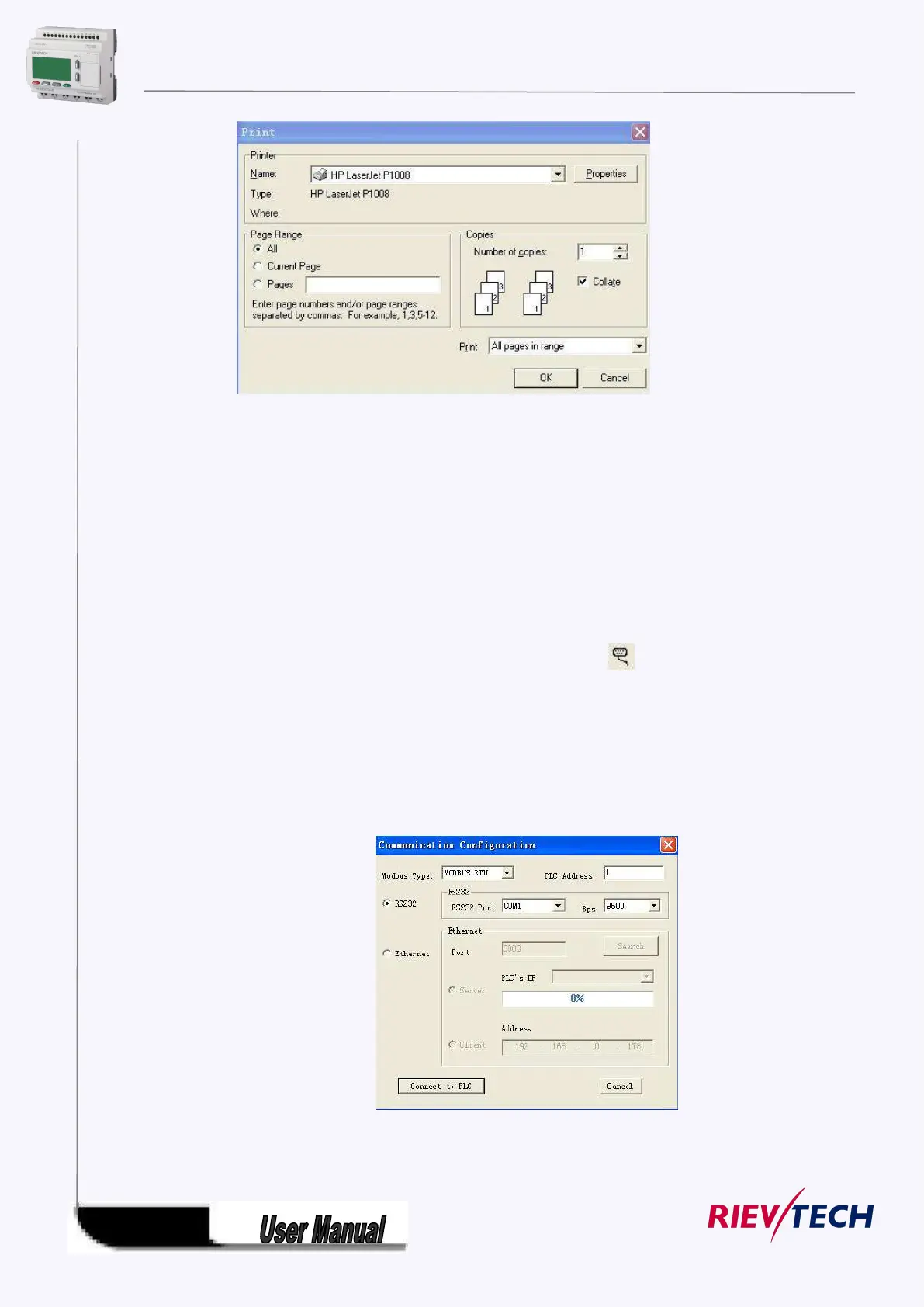
Fig. 7.10.9 File Print
5.12 Modify Password and transfer the Program
Operation Method:
a. First of all, link xLogic with your PC through the optional way: RS232 cable, USB cable (need install
driver first), Ethernet connection.
b. Open application software xLogicsoft, set up a new document, then open computer com. Click option
“Configuration” under menu “Tools” with left button of the mouse, or click“ ”in toolbar, dialog box
shown as 7.10.10 appears, then select your communication port and speed.
Option A. RS232. This option is used when you use the ELC-RS232 or ELC-USB(relative driver needed)
cable.
Option B. Ethernet. This option is used when you use the ELC-E-Ethernet module.
Option C. GPRS. This option is used when you has established the GPRS connection between xLogic and
PC.
Fig. 7.10.10 Set Up Port and Baud Rate
1. Setup Password and Time



 To Next Page