Note
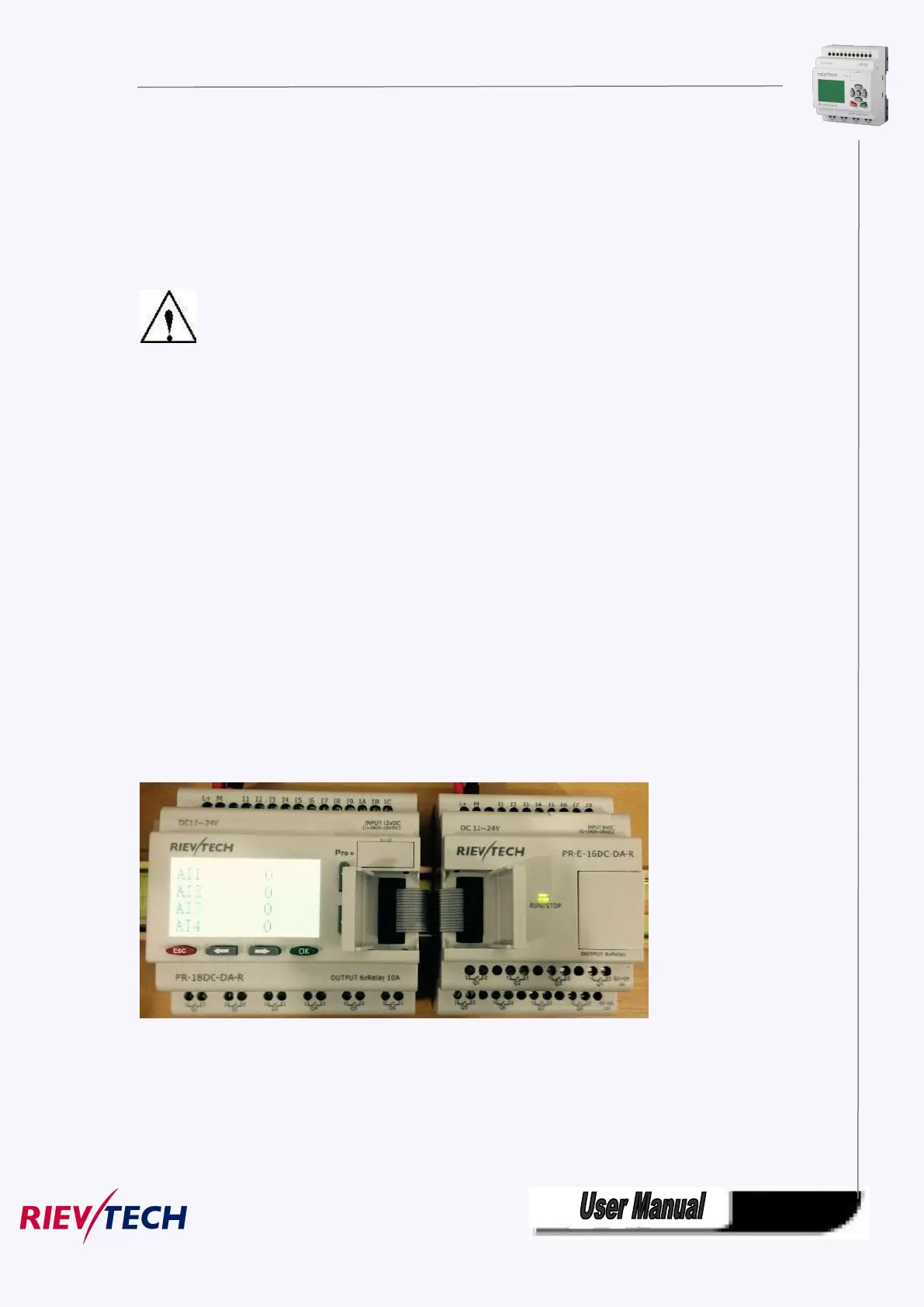
The figure below shows you an example of the installation and removal of an PR-18 CPU and one
expansion module of PR-18 CPU.
W a r n i n g
Always switch off power before you “remove” and “insert” an expansion module.
3.1 DIN rail mounting
Mounting
How to mount a xLogic module and an expansion module onto a DIN rail:
1. Hook the xLogic Basic module onto the rail.
2. Push down the lower end to snap it on. The mounting interlock at the rear must engage.
3. Hook the xLogic expansion module onto the rail
4. Slide the module towards the left until it touches the xLogic CPU.
5. Push down the lower end to snap it on. The mounting interlock at the rear must engage.
6. Remove the plastic cover in the expansion port of CPU and expansion module.
7. Plus the connector on the flat cable to CPU
Repeat the expansion module steps to mount further expansion modules.



 To Next Page