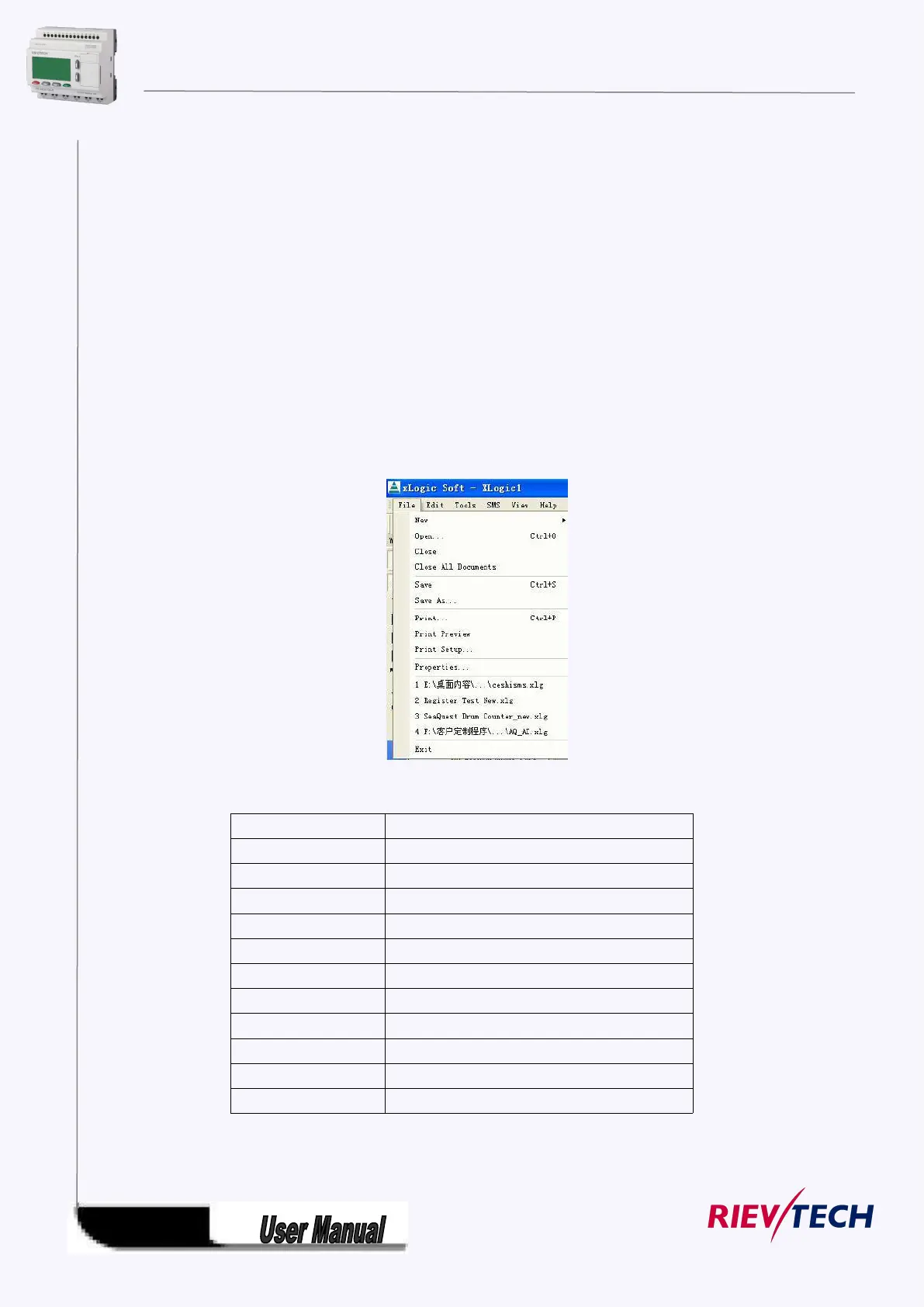
5.8.1 Menu Bar
When xLogicsoft is used to edit xLogic programs under customized mode, some basic operations
including files management, opening and closing of the Tool Bar and Status Bar access to Help
information are completed by using pull-down menu under File, Edit, Tools, SMS, View and Help. The
Instruction Function list of xLogicsoft is characterized by its flexibility and variation according to the main
selection.
It can be changed according to the current operation for convenience of your specific operations.
5.8.1.1 File
The instruction is mainly used for file management, including creation, opening, saving and printing of
files.
Fig. 10.1 File Menu
Close the current active Window
Close all the current active Windows
Save current file to a new path and a new file
Preview the file printing result
File property(page size &model select)



 To Next Page