opening the document, you can modify or print the document.
5.9.2 Edit Function Diagram Program
5.9.2.1 Place Function Block
While you set up a new document, you can write your control Program in the new program
interface. The method and process of placement is as follows:
The method of placing function block is as follows: choose function block needed from the
workspace left of the program interface.
Operation Procedure:
1. Choose corresponding function group. “Constant”, “Basic”, ”Special” list and various blocks
can be selected .Refer to the function block instruction chapter 5 for detail instruction of
function blocks
2. Click the block you needed with left button of the mouse
3. Move the mouse to the proper place in the program interface, click with left button of the
mouse, then complete the placement of a block.
4. According to above operation, put all modules in program interface.
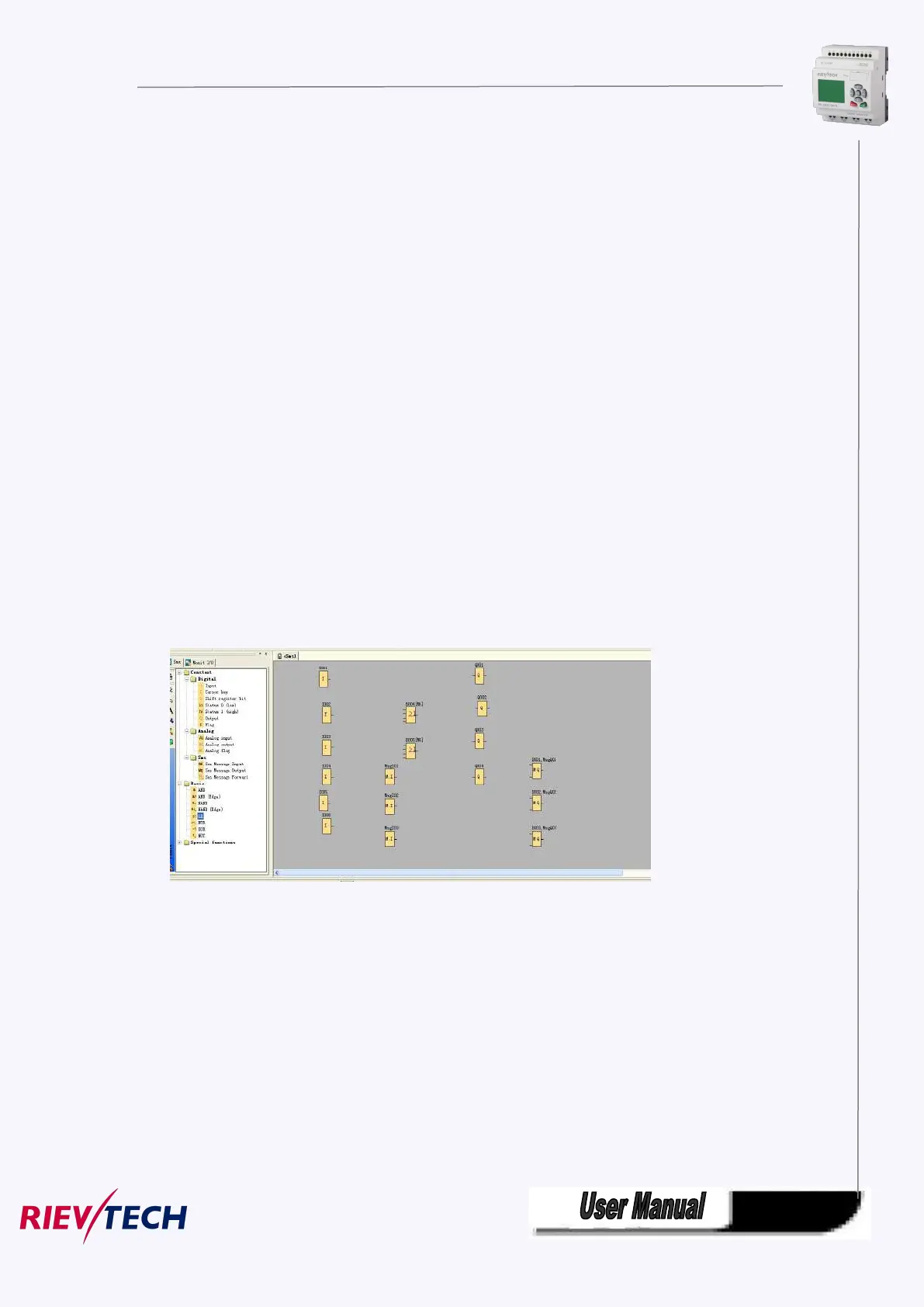
E.g.: To complete all the function block of one certain system control, as Fig 7.10.1 shown, put
all function modules into the edit program interface.
Fig 7.10.1 Place block
5.9.2.2 Edit Property of Function Block
After put all function block in edit box, it’s necessary to setup property of every function block.
This is the most important step to write function block Program.
Operation Method:
1. In the function block Program interface, click some block twice with left button of the mouse,
or pitch on a block and press right button of the mouse, then an edit menu appears, and then
click “Properties…” of this menu. As shown in Fig 11.6:



 To Next Page