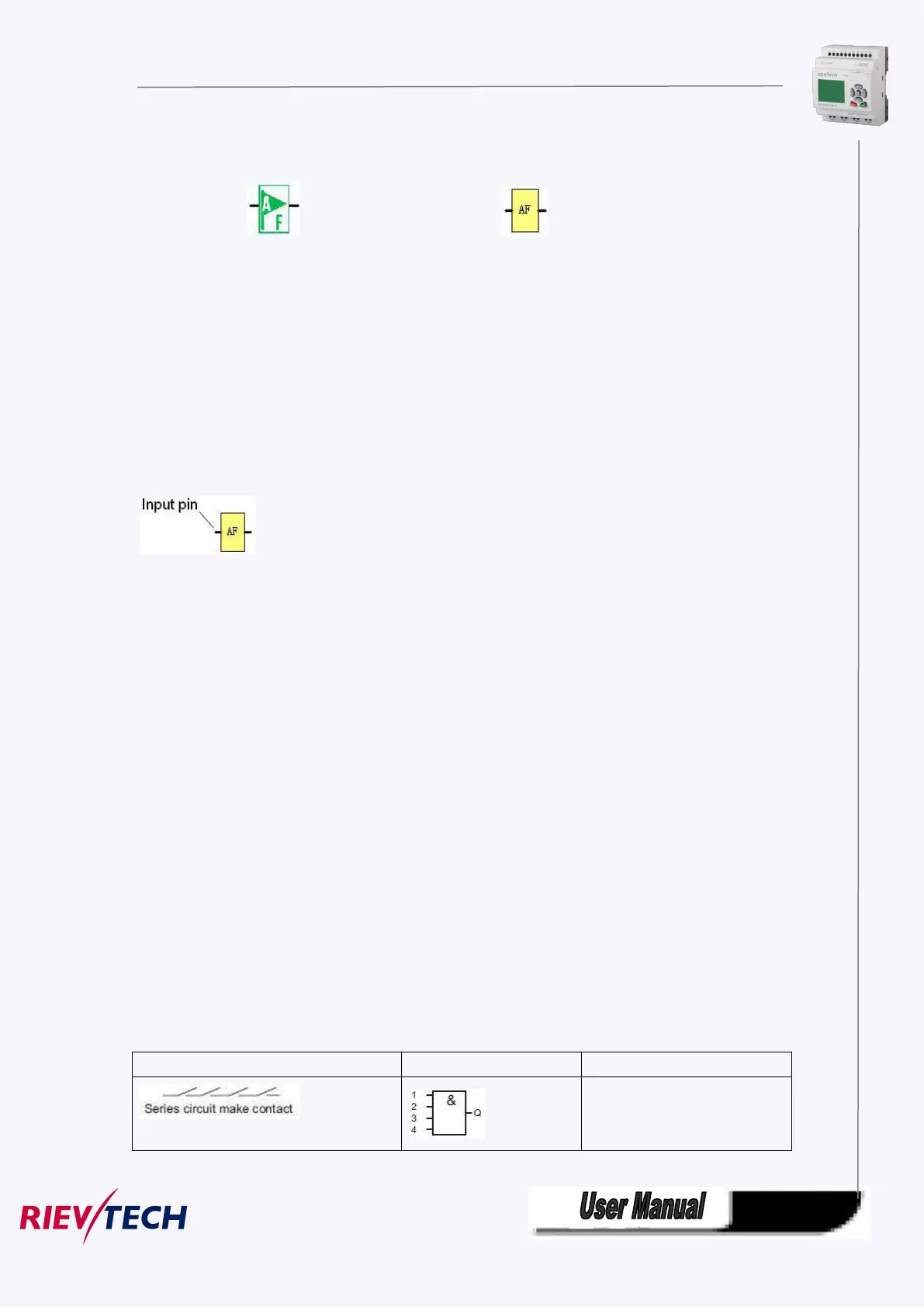
5.2.9 AF (Analog flag)
Fashion: Classic:
Flags are used when xLogic works in a communication system. AF is analog flag which is used to save
/transfer analog values (data format is Signed short) between the master and slave devices. Up to
32(PR-6) and 256(PR-12/PR-18/PR-24) for xLogic CPU can be used when programming. In your block
configuration, you can assign a new number to the analog flag, provided this flag number does not
already exist in your circuit program.
The output always carries the signal of the previous program cycle. This value does not change if the
communication were failed.
Notes: 1.The address of “AF“ can be found in the modbus communication protocol file .
2.Keep the input pin of AF NULL(do not connect with other blocks) ,if you want to use the write
property.
You can set a start value for the AF1--AF64(PR-12/PR-18/PR-24), and the value does not lost if the power
was failure, so you can use such AF in your program as a number input from the touch screen or the panel
key of the CPU.
Notes: 1.AF65--AF256 does not support such function(start value settings). and the value of
AF65--AF256 will be lost if the power is failure.
2. If you enable the "start value option" of AF, then you are not allowed to connect any other
function to the input leg of the AF.
3. If you connect the input leg of AF block to other function blocks, the "start value" will not be
available anymore.
5.3 Basic functions list – GF
Basic functions represent simple logical elements of Boolean algebra.
You can invert the inputs of individual basic functions , i.e. the circuit program inverts a logical “1” at a
relevant input to a logical “0”; if “0” is set at the input, the program sets a logical “1”.
The GF list contains the basic function blocks you can use for your circuit program. The following basic
functions are available:
View in the circuit diagram
Name of the basic function



 To Next Page