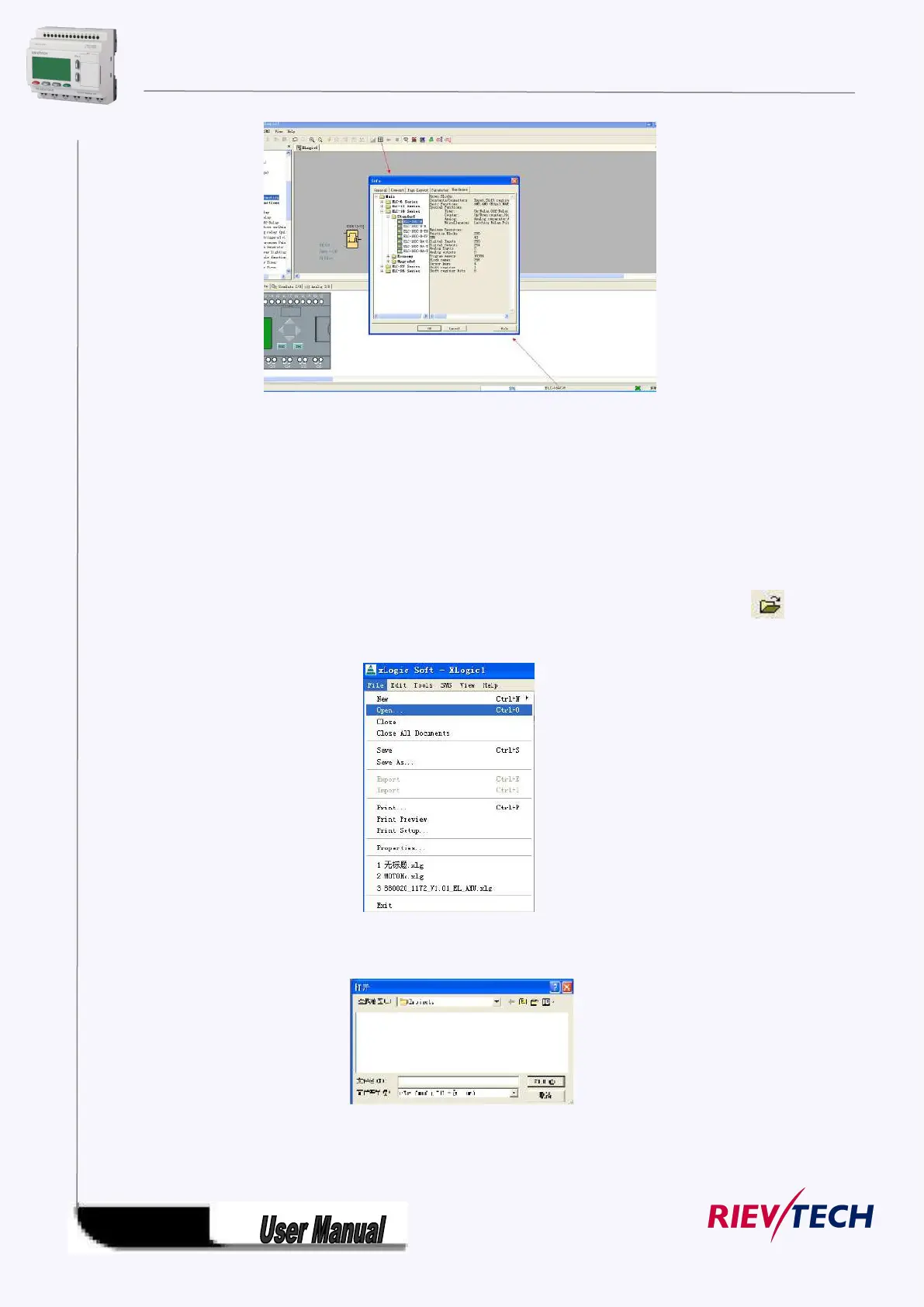
Click the payout icon or double click the model displayed area on the right down of the interface,
the model selection dialog box also can pop out
5.9.1.2 Open Existed Document
Operation Method:
1. To open a document, click ‘Open’ option of menu ‘File’ once with left button of mouse ,or click
once in toolbar, shortcut key ‘Ctrl+O’ also can be used. As shown in Fig 11.3:
Fig7. 9.3 Open Existed Document
2. Click ‘Open’, find the path of saving file, dialogue box as follows:
Fig7.9.4 Dialogue Box of Existed Document
3. Click the file you want to open with left button of mouse, then click button “Open”. After



 To Next Page