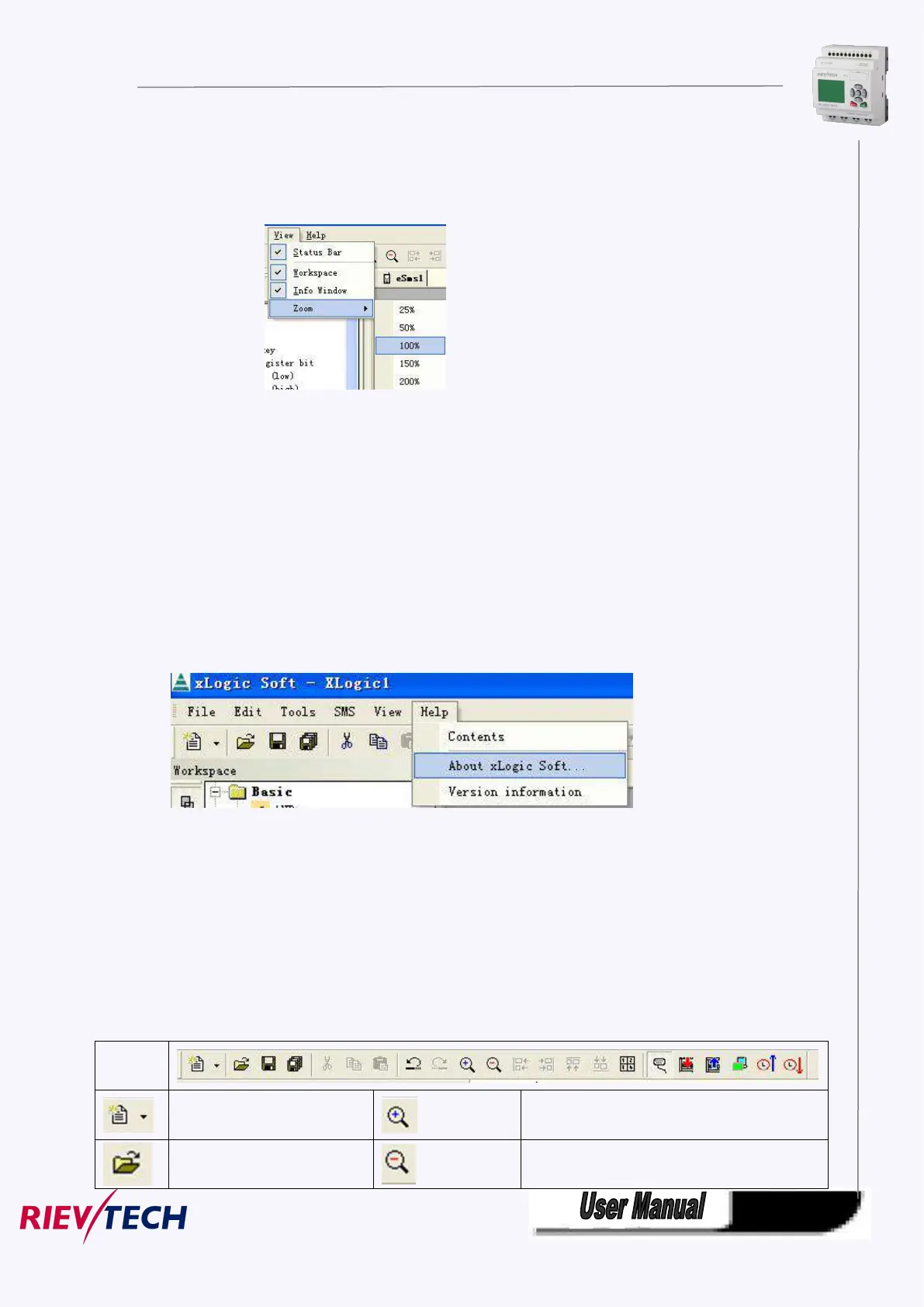
5.8.1.5 View
This instruction is to display the status bar, workspace and the Information window and so on. The pull
down menu is shown as the following:
Fig. 10.5 View Menu
※ Status bar: state bar displaying instruction
※ Workspace: workspace displaying instruction
※ Info Window: Info window displaying instruction
※ Zoom: window proportion displaying instruction. There are four different sizes of the windows for the
user to select.
5.8.1.6 Help
※ Content Index: Help index and detailed contents
※ About xLogicsoft
※ Version information
5.8.2 Toolbar
The icons of the standard toolbar provide quick access to commands that are also available on the menu.



 To Next Page