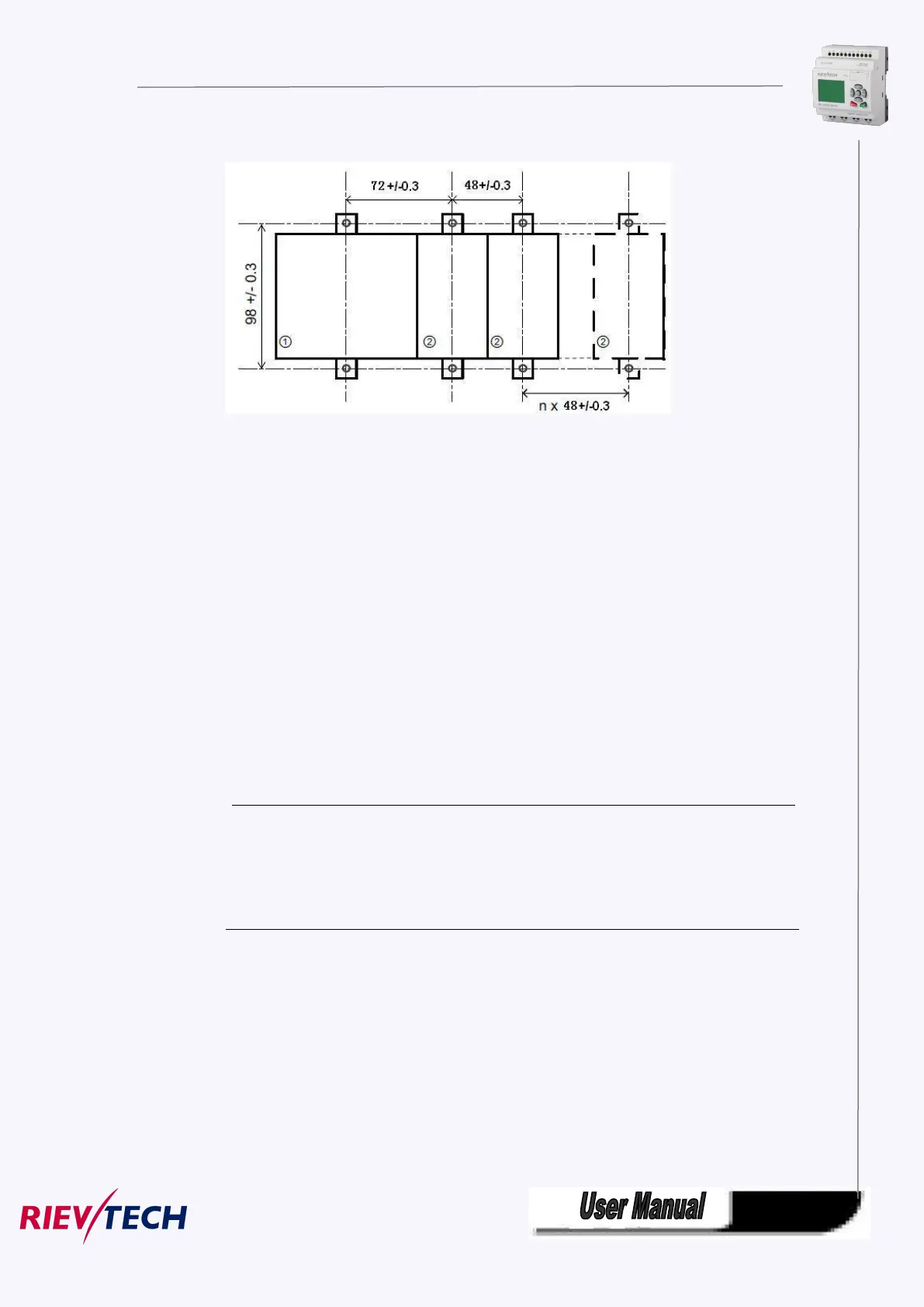
ELC-12-N series(applied to CPU and extensions):
3.3 wiring xLogic
Wire the xLogic using a screwdriver with a 3-mm blade.
You do not need wire ferrules for the terminals. You can use conductors with
cross-sections of up to the following thicknesses:
2 x 1.5 mm
2
for each second terminal chamber
Tightening torque: 0.4.. .0.5 N/m or 3. ..4 lbs/in
Note
Always cover the terminals after you have completed the in st all at io n. To pr ot ec t
xL o gi c ad equ at el y fro m impermissible contact to live parts, local standards must
be complied with.
3.4.1 Connecting the power supply
The PR-6AC, PR-12AC,PR-18AC, PR-24AC versions of xLogic are suitable for
operation with rated voltages of 110 V AC and 240 V AC. The PR-6DC,
PR-12DC,PR-18DC, PR-24DC versions can be operated with a 12 or 24 VDC power
supply.



 To Next Page