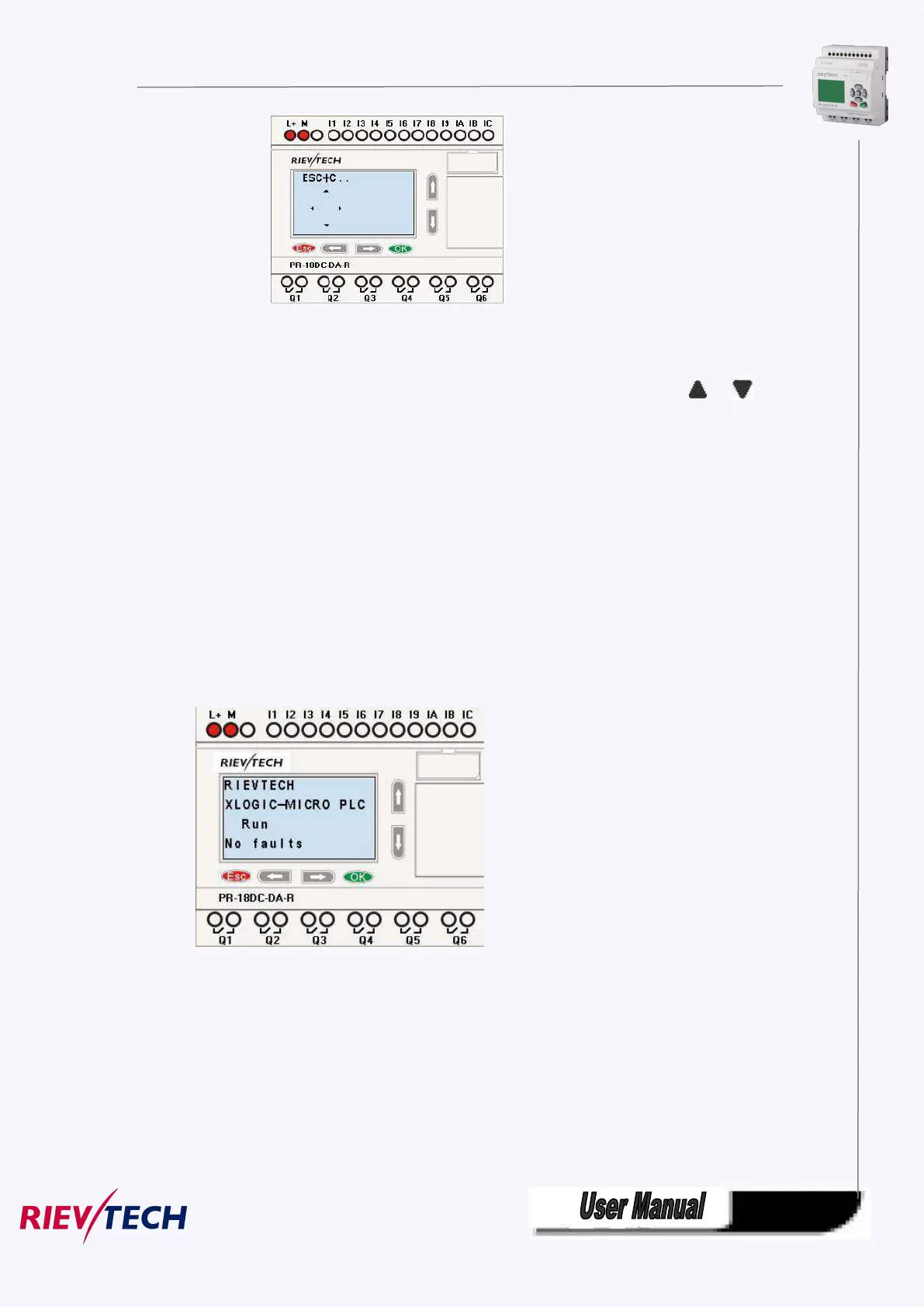
Cursor keys can be controlled in this page by press arrow keys and ESC key at the same time.
If xLogic has several alarm interfaces in the same period and it only displays the message with highest
priority in the function block, also you may go through all alarm messages by pressing or key.
Note:
The message text block would be treated as parameter page only when it has no input, otherwise, it may
be regarded as alarm page. When input has high pulse, LCD shall display alarm message.
4.3 Select function page
Press ESC key to change from running mode to function page.
After pressing ESC key, xLogic would be switched to function page and meanwhile open function menu as
figure below shows.



 To Next Page