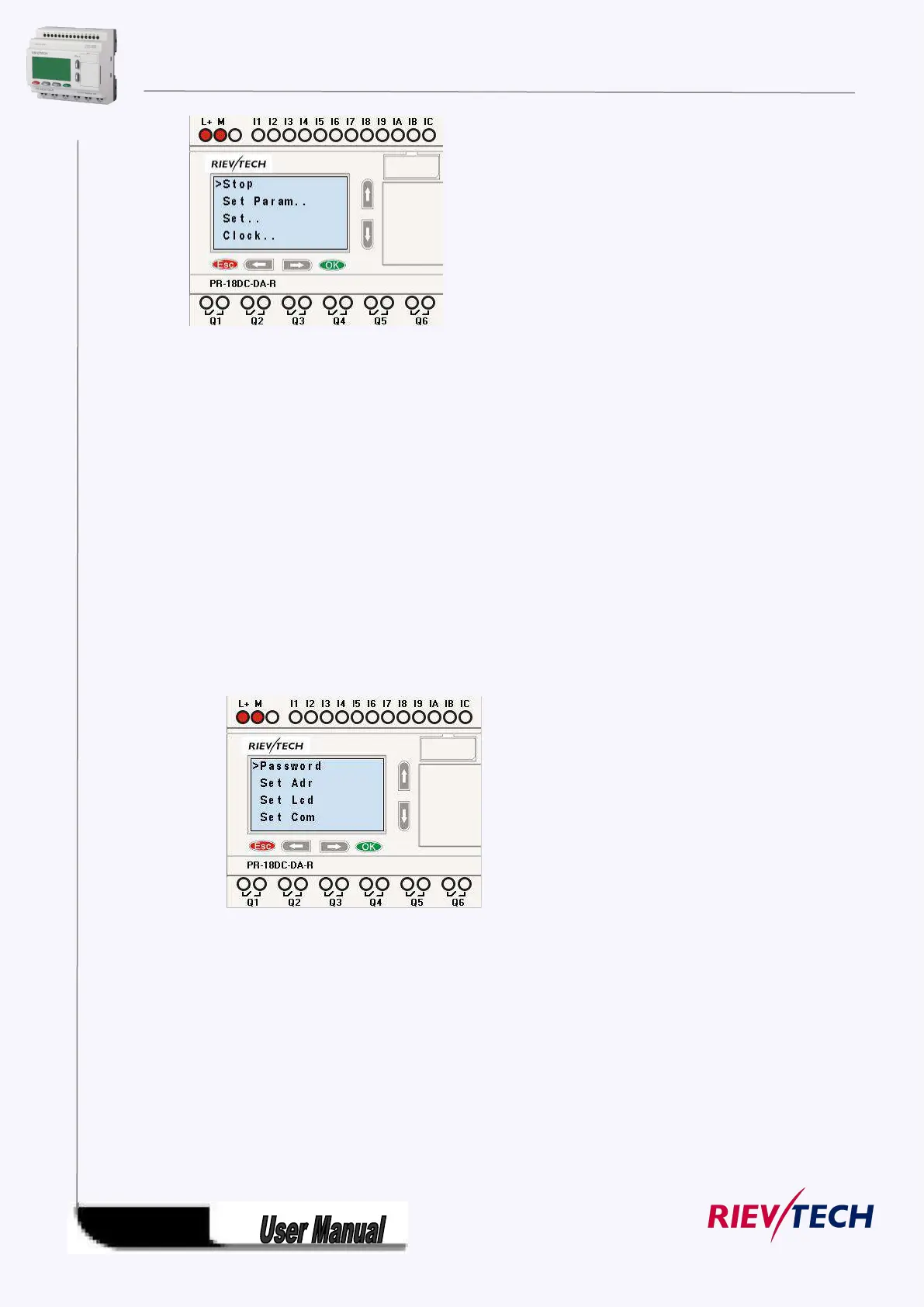
Brief introduction on 5 options of function page:
Select this menu to switch over xLogic status between RUN and Stop. Refer to
chapter4.3.1 for details.
To set function block parameter. Refer to chapter 4.3.2 for details.
Used to set /modify password ,set address of CPU&extension , LCD settings and
communication parameters settings refer to chapter 4.3.3 and 4.3.4 for details
please.
1. ”Press ”UP” or “DOWN” key to move the cursor to “Set….”
2. Then press OK key ,xLogic will display as follows:
To set and modify date and time .Refer to chapter 4.3.5 for details.
To change the language of the Menu. Refer to chapter 4.3.6 for detail
Network(This only for Ethernet CPU)
Recovery ET: when you press ok when the cursor stay on this menu, the Ethernet modem
built-in Ethernet CPU will be reset to default settings.



 To Next Page