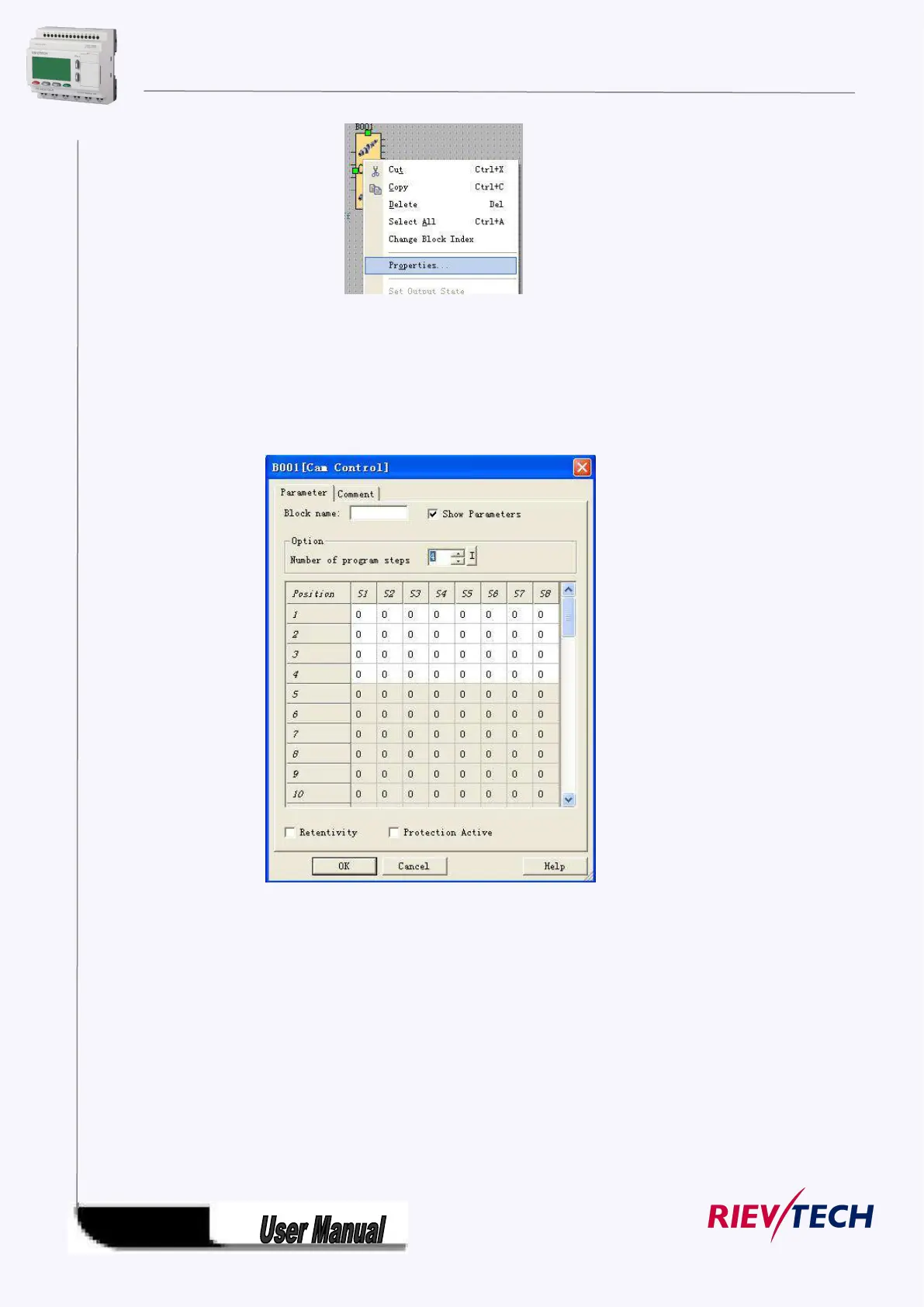
Fig 7.10.2 Block edit menu
2.You also can click the menu Edit-> Properties or Edit-> Properties(all blocks) to change the
settings of the block.
Property dialogue box, as shown in Fig 7.10.3, to setup each item of content according to what
you need, you also could click “Help” to observe the detail instruction.
Fig 7.10.3 property box
Note: Different block has different property setup, especially the property of special function
block. Please read chapter 5, the explanation to refer the detailed setup.
5.9.2.3 Setup link
After put all the blocks needed in protracting function graph, and set up properties as needed,
it’s necessary to set up link according to logic control relation and make it an integrated
function diagram.
Operation Method:



 To Next Page