If the input En is not set, then the function issues the analog value 0 at output AQ.
Analog output
If you interconnect this special function with a real analog output, note that the analog output
can only process values between 0 and 1000. To do this, you may need to connect an
additional amplifier between the analog output of the special function and the real analog
output. Using this amplifier, you standardize the output range of the special function to a
value range of 0 to 1000.
5.5.27 System cover
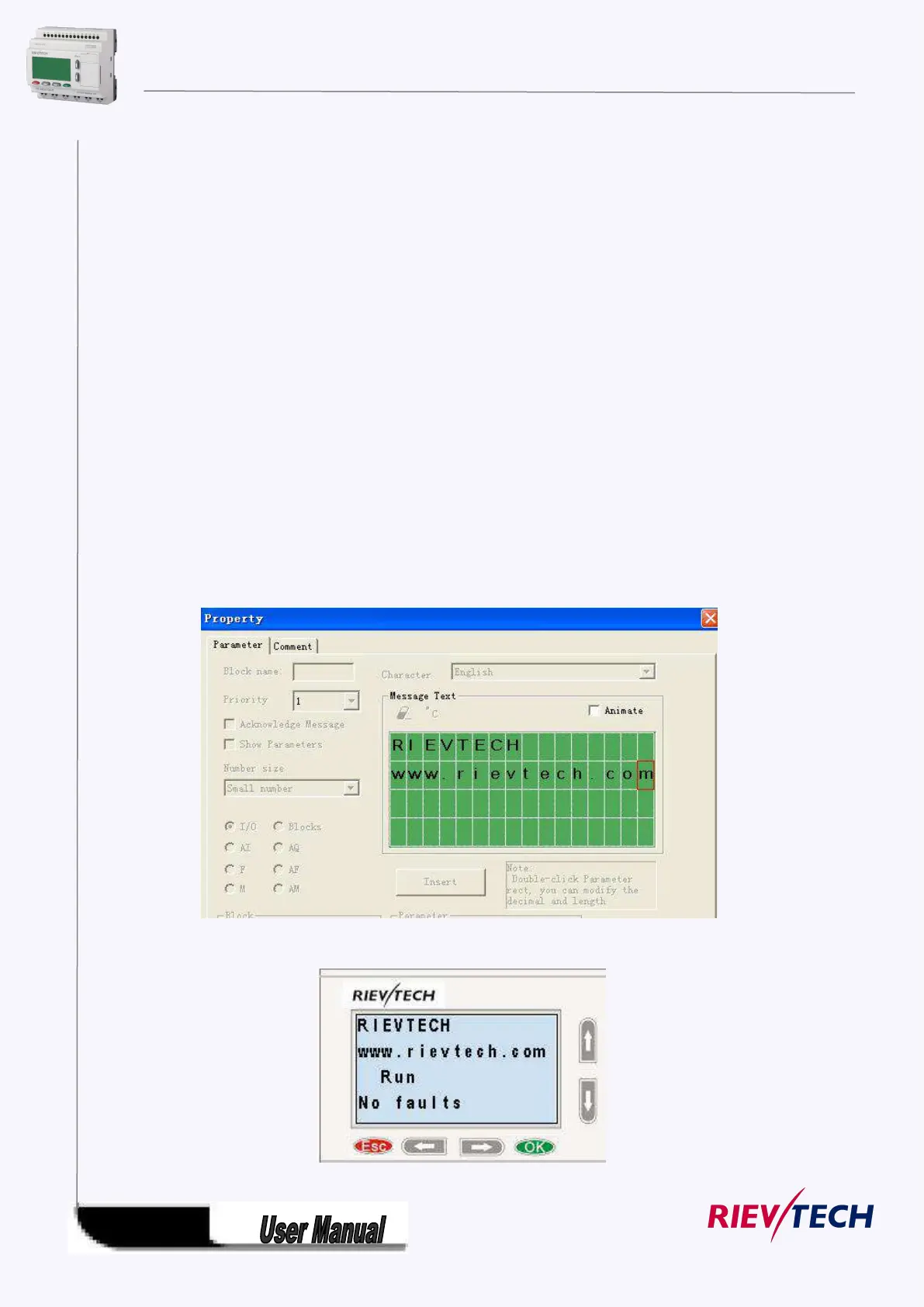
This block cannot directly be found in the block list ,however, it is set as default by system of xLogic,
hence system cover can be available if you follow the below procedures : use your mouse to left-click
“Tools” menu->select “Edit Cover HMI” by left-click in xLogicsoft .
Short description
Display the status (Run or Stop) of xLogic when power-on or simulation by soft.
Particular characteristics to be noted when configuring



 To Next Page