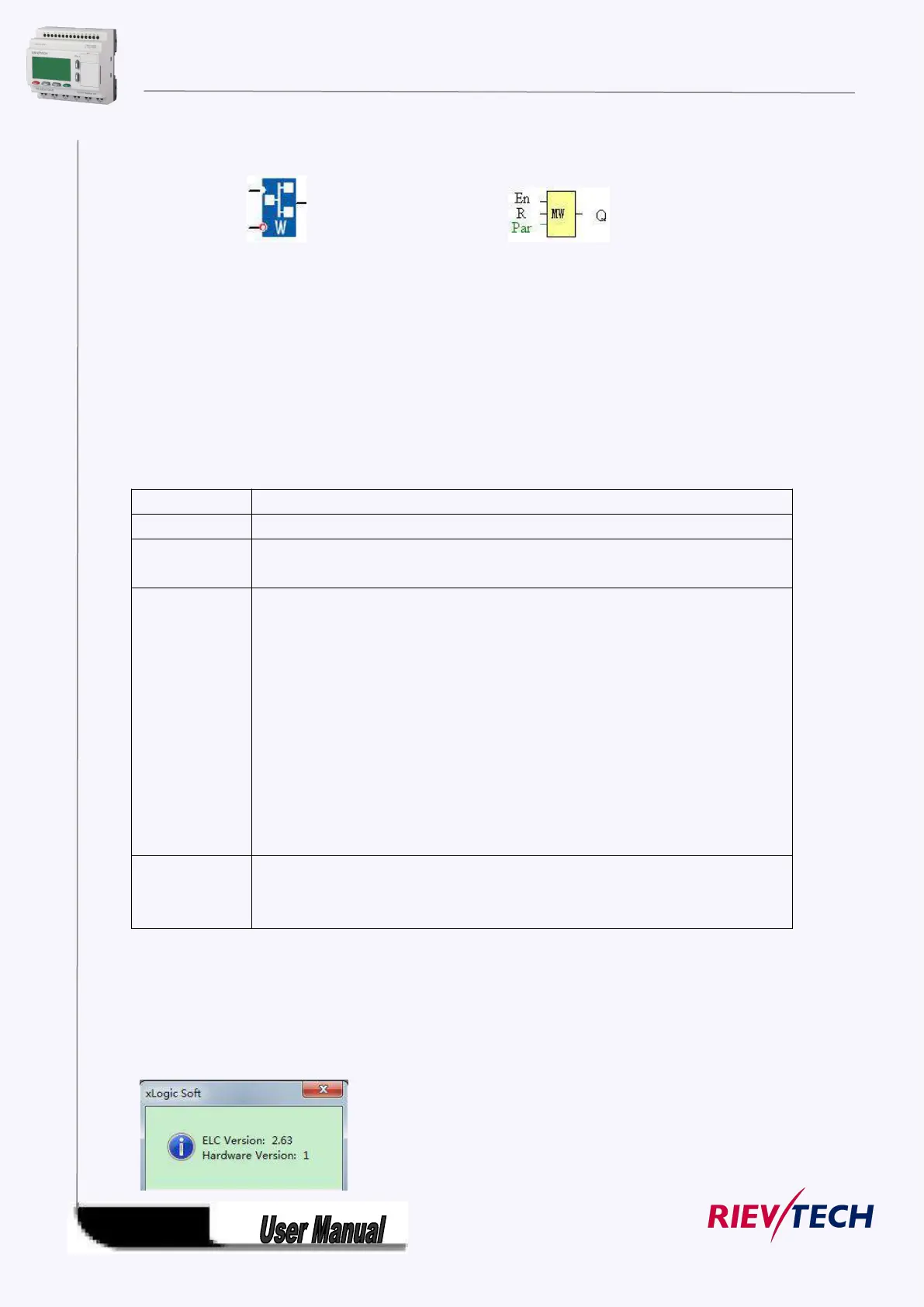
5.5.33 Modbus Write
Fashion: Classic:
Short description:
When a high level in En, the Modbus Write block will be activated and the xLogic could communicate with
peripheral as a master via RS232 or RS485 interface, further the output will be switched on when the
communication is established successfully. Otherwise the output (Q pin) is kept“off” it means
communication has failed.
A signal at input R resets output Q and disable, this block at the same time
A high signal at En input will enable “Modbus Write” function block to be activated
Reset the value read from peripheral and set the output to 0 via the R (Reset) input.
Reset has priority over En
Slave address: 1 is default .
Communication protocol: Modbus(RTU)
Communication parameter: baud rate (BPS),Data bits, Stop bits,
Parity, Overtime (response time out)
Comm Type: RS232 or RS485( Communication interface of xLogic )
Data register Index: High Low /Low High
Command: 05 Write Single Coil
06 Write Single Register
15 Write Multiple Coils
16 Write Multiple Registers
Register start address, count
Q is set or reset depending on the communication status.
Successful communication , Q=1;
Failed communication ,Q=0;
Note:
This function block(com type: Ethernet) can not be used for the Ethernet
CPU(ELC-12DC-DA-R-N) built-in web server, it is only for the old version, if you are using new
series Ethernet(hardware version:1), please use the MODBUS READ WRITE block instead.
Get the version number by the software menu Tools-> transfer-> Get PLC version



 To Next Page