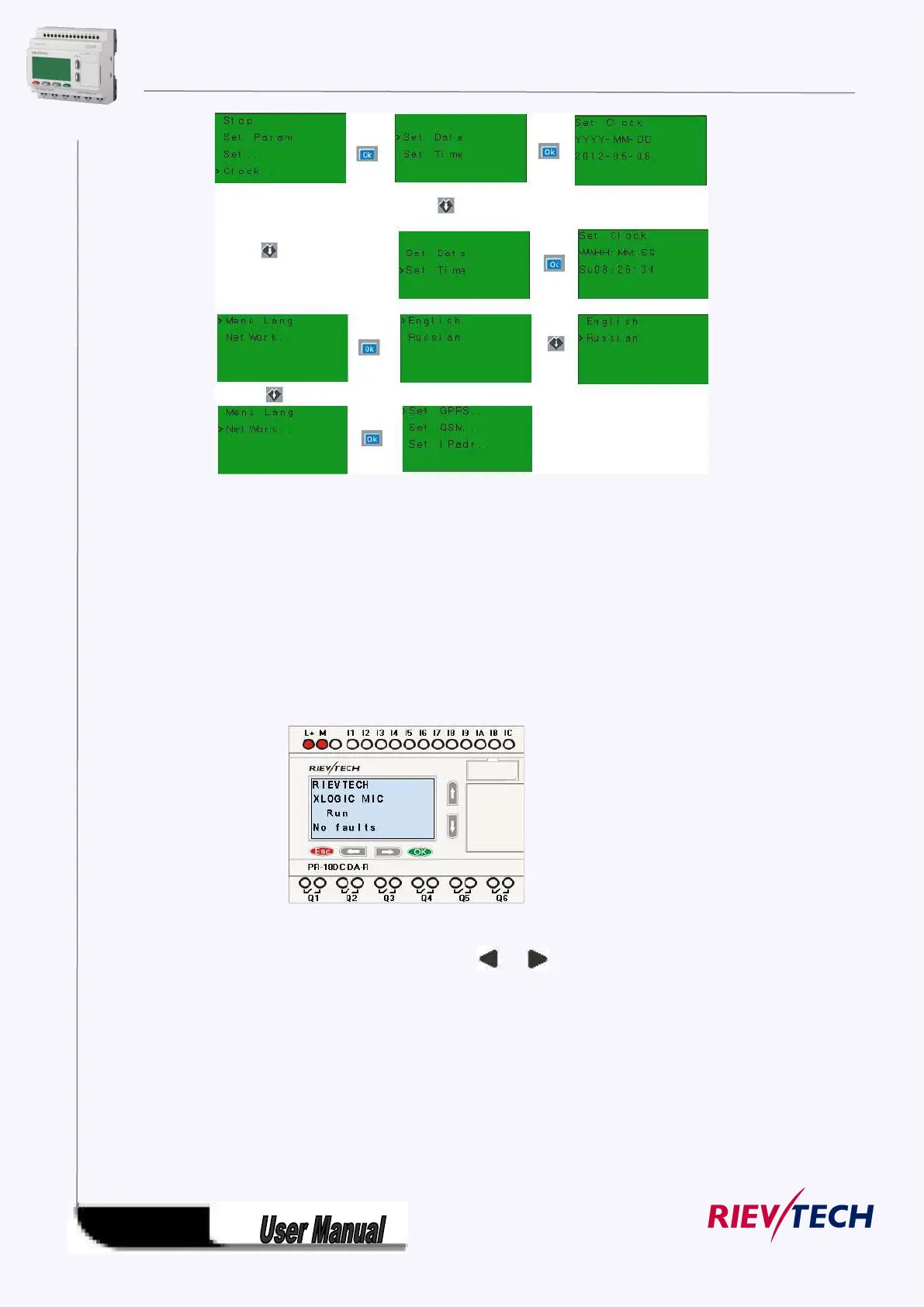
After being powered on, xLogic shall self-check program stored in the CPU.
If the program is accurate, then the CPU will be running, meanwhile the system cover will show as
follows:
In xLogicsoft, this interface is defaulted as its initialization screen.
If there are several parameter pages, users can press or key to go to the page you would like.
The last page is the cursor mode:



 To Next Page