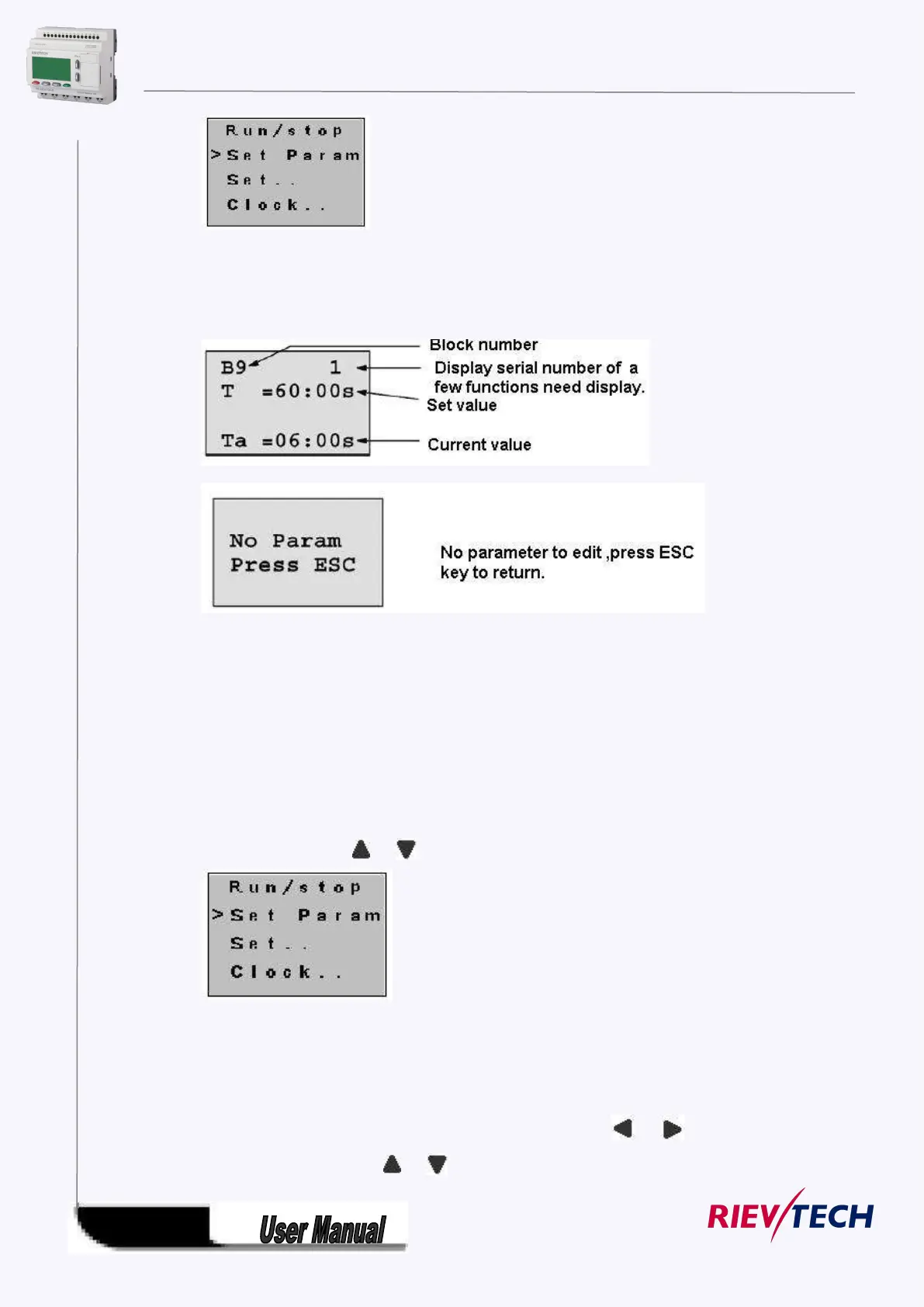
2. Confirm by pressing OK key.
Then xLogic displays the first parameter, so you can modify as you like. If there is no parameter to
set/modify, you can press ESC key to return.
3. Select parameter you intend to modify.
4. Select certain specific value of that parameter which you want to edit, then press OK key.
How to modify parameter?
A. First select certain parameter which you need to edit by following the below procedures:
1. Under the FUNCTION PAGE, select
“Set parameter”: Press or key
2. Confirm by pressing OK key.
B. then you can perform the below actions to modify parameter:
1. Move the cursor to the parameter to be modified: press or key.
2. Modify value: press or key.



 To Next Page