2. Record title
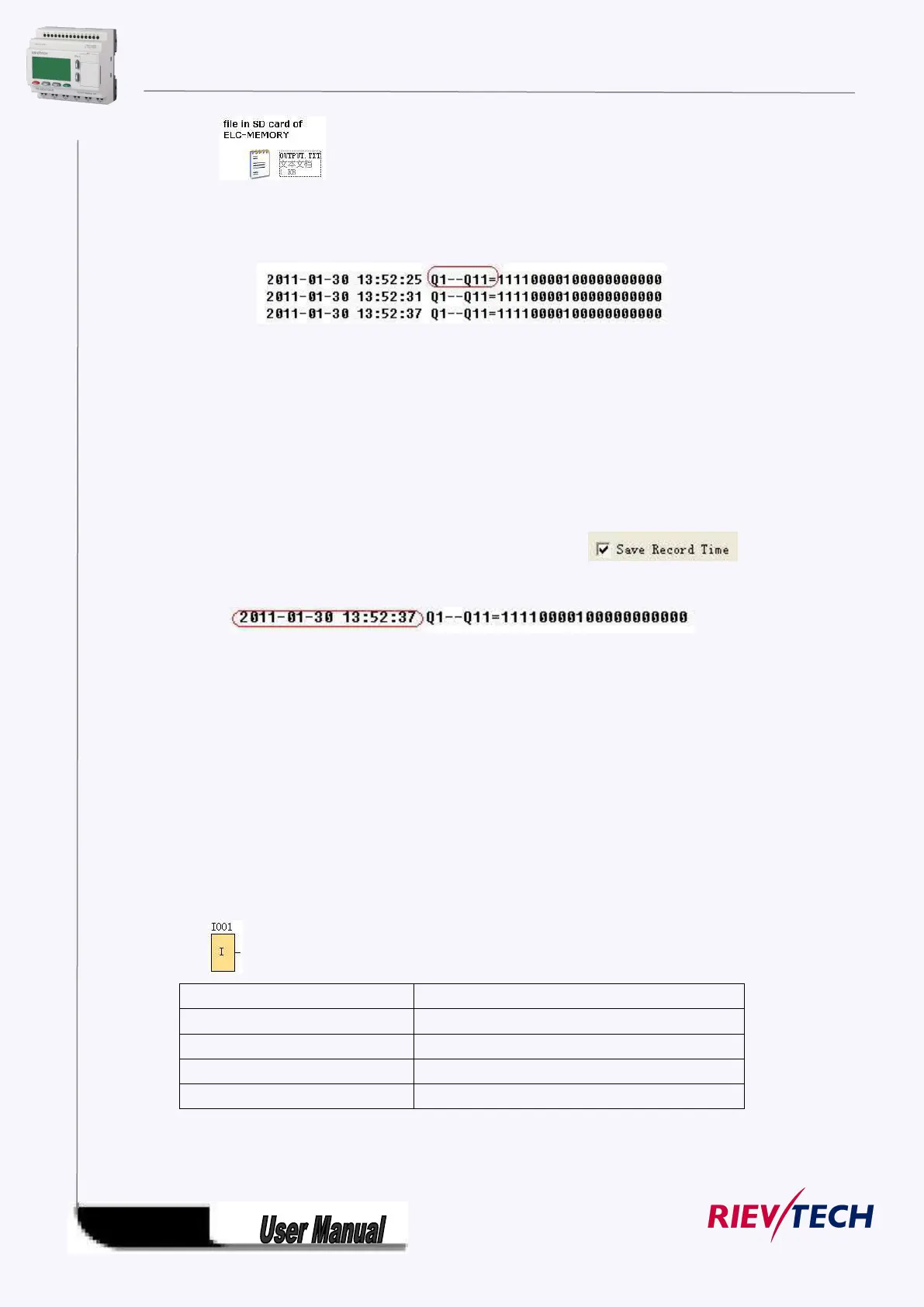
Below is an example in the “OUTPUT.TXT”
The above range circled in red is just pre-set contents in the “Record title” of the Memory write block’s
property dialog box.
Two options available: Option A. Append (This option would be selected if a certain file is already existed
in the Mini SD card inserted in ELC -MEMORY)
B . Create ( This option shall be chosen, if no any file existed or existed file has different name from that
pre-set in the “file name” in the Mini SD card inserted in ELC-MEMORY If such
box has been ticked ,the file content will show the time when the data starts to be recorded.
4. Separator
Such separator shall be required while more than one analog values would be stored and displayed for
easier observation and convenient analysis.
5. File Size
It is an option for you to set the size of file to be stored.
6. After memory Full
Two options can be selected after memory is full (it means the relative file has reached its pre-configured
size), one is to over-write and the other is to stop recording.
7. Register params:
This section is for register’s parameters setting. The register includes following sorts:



 To Next Page