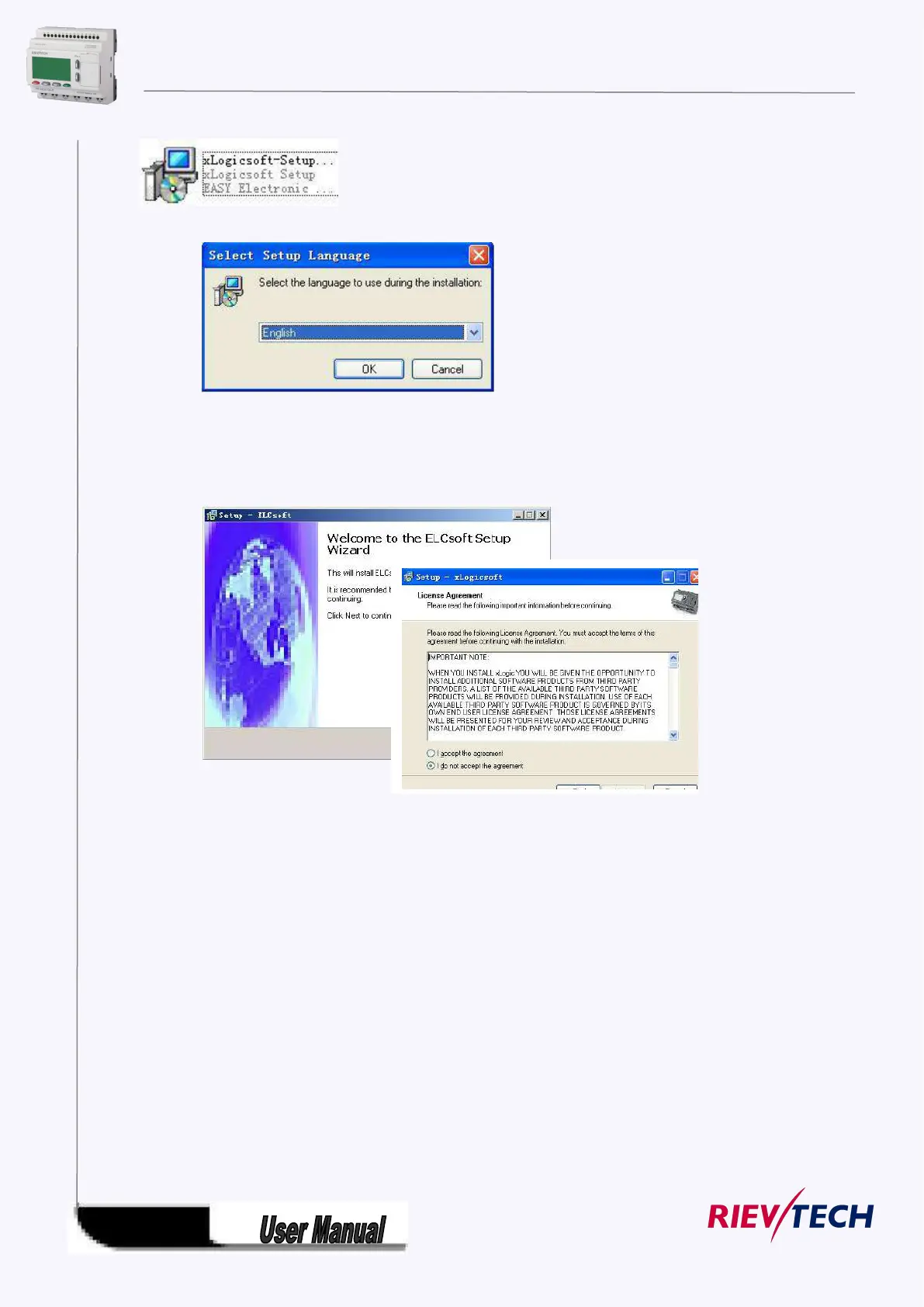
1. Double-click on Setup.exe or left-click the “INSTALL” menu directly.
2. Select the language you would like and click OK to confirm
3.If you consent to the license agreement, click Next to confirm.
4. Where is the program to be installed? If you do not want to accept the recommended file
location:
C:\Program Files\Rievtech\xLogicsoft, specify another directory using Browse.



 To Next Page