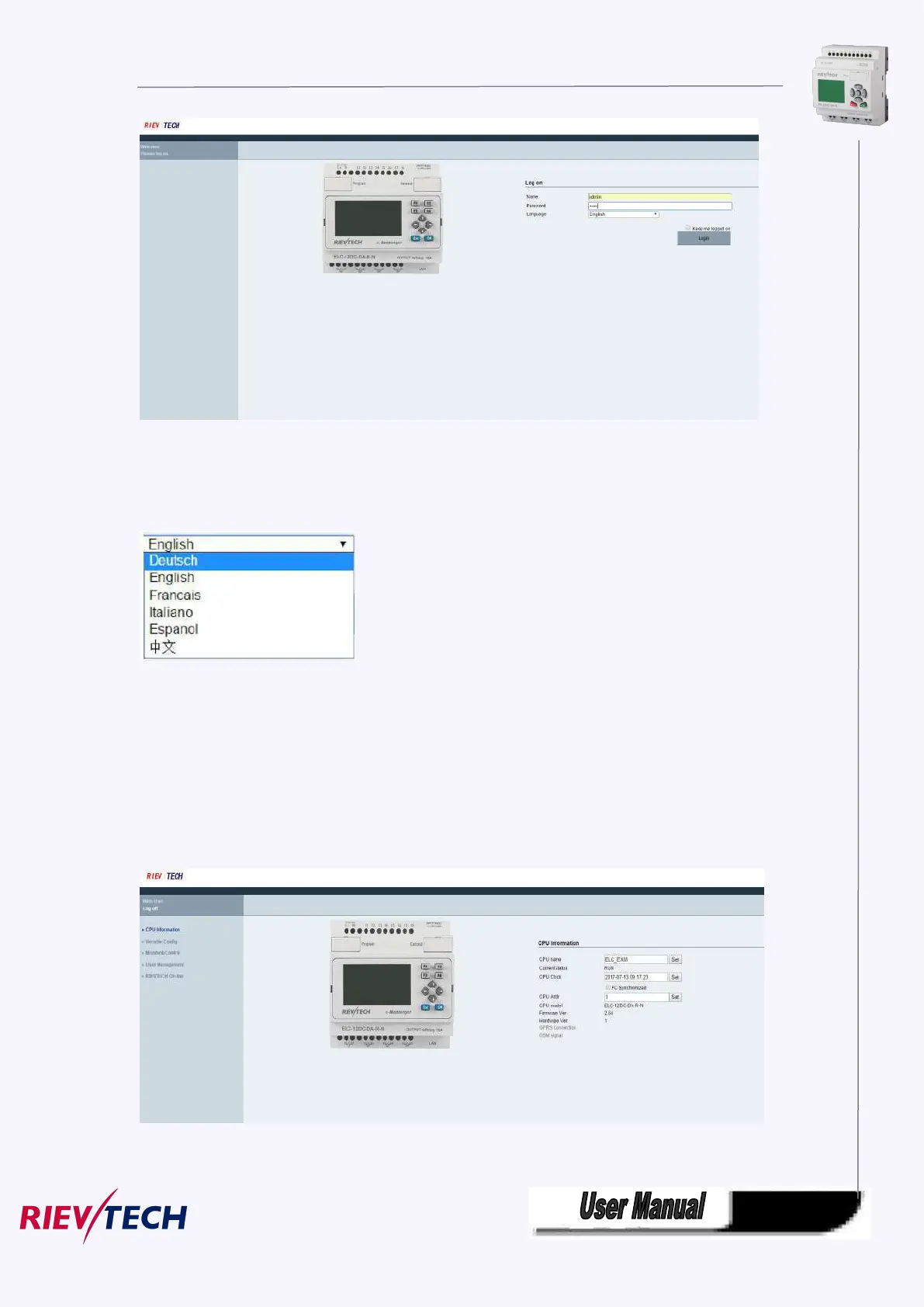
4. Log on interface
Name:The default name is admin.
Password:The default password is admin.
Language:Our web server supports six kinds of languages.You can choose your language.
Keep me logged on:When you choose “Keep me logged on” ,then you click on“Log on” and you log on to
the web server successfully.You will always stay in the login state.If you close the browser,then you open
the browser again,input the IP address ,you will still stay in the login status.You can click on the “Log off”
to exit the login status.
Log on:Click on it,log on to the web server.
Check CPU information
After logging on to the web server,web server will display the information of CPU.
CPU name:



 To Next Page