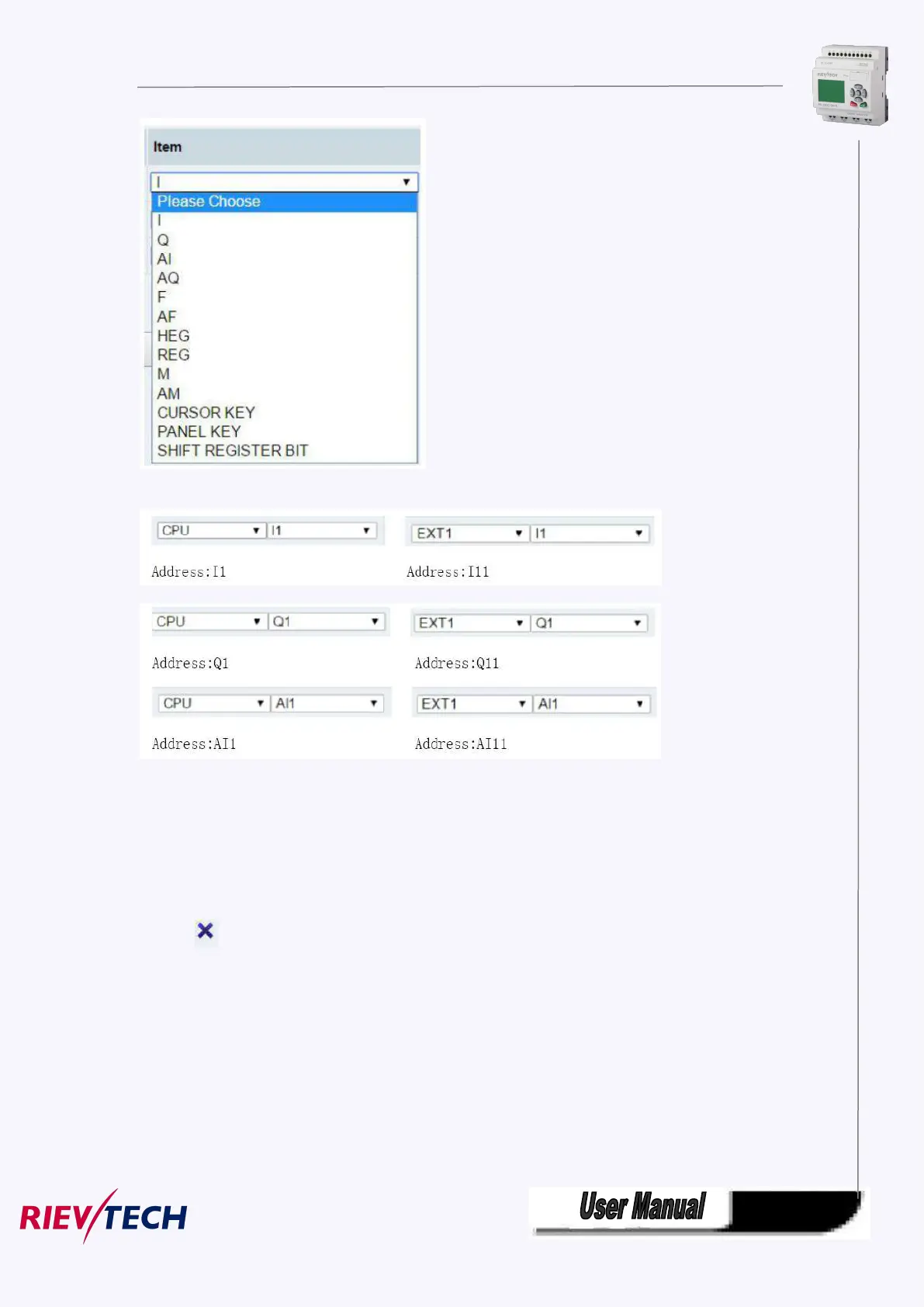
Address
Type:
Data length of variable.Include: BIT,WORD,DWORD.If you use timer or counter,you should choose TIMER
or COUNTER.
Display Format:
Display format, include: BOOL,SIGNEO, UNSIGNED,HEX,BINARY.
DEL:
Click on to delete variables .
Save Variable:
After finished configuration variables,you have to click on “Save Variable”,then you can monitor and
control variables at “Monitor&Control”.
Monitor&Control
On this page,you can monitor and control variables. Web server refreshes data automatically.
Auto refresh:choose “Auto read interval”and choose refresh time.



 To Next Page