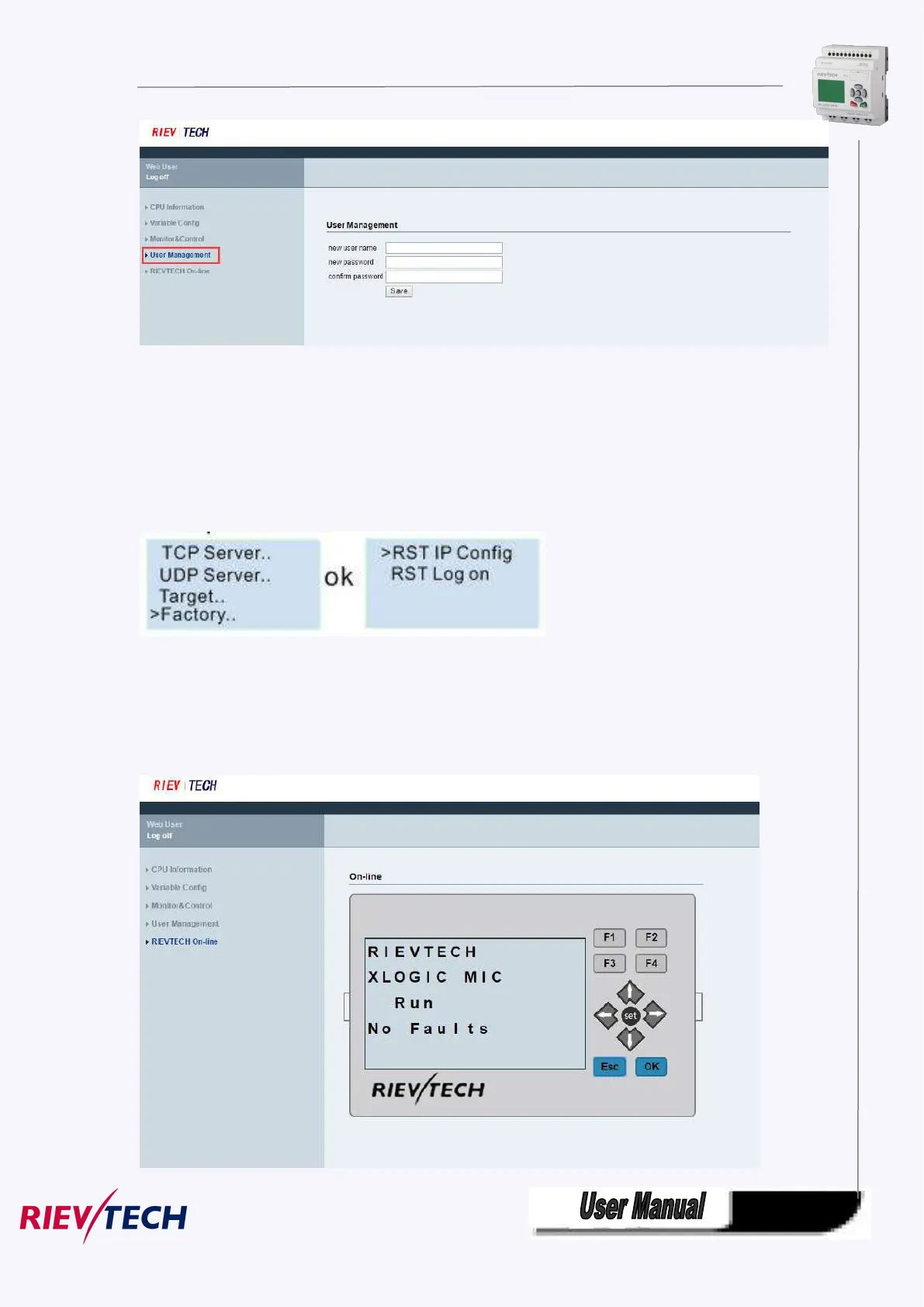
You can set a new user name and new password at this page. If you have set a new user name and
password,the old user name and password can’ t be used.A web server just has a user name and a
password.
If you forgot the user name or password you logged, you can reset it by the LCD menu
You can make the IP settings to factory by the menu Network-> IP Config..-> Factory-> RST Log on
After you reset the log on, the user name and password will be back to the default “admin”.
RIEVTECH On-line
RIEVTECH On-line Interface
You can monitor and operate the LCD panel remotely.



 To Next Page