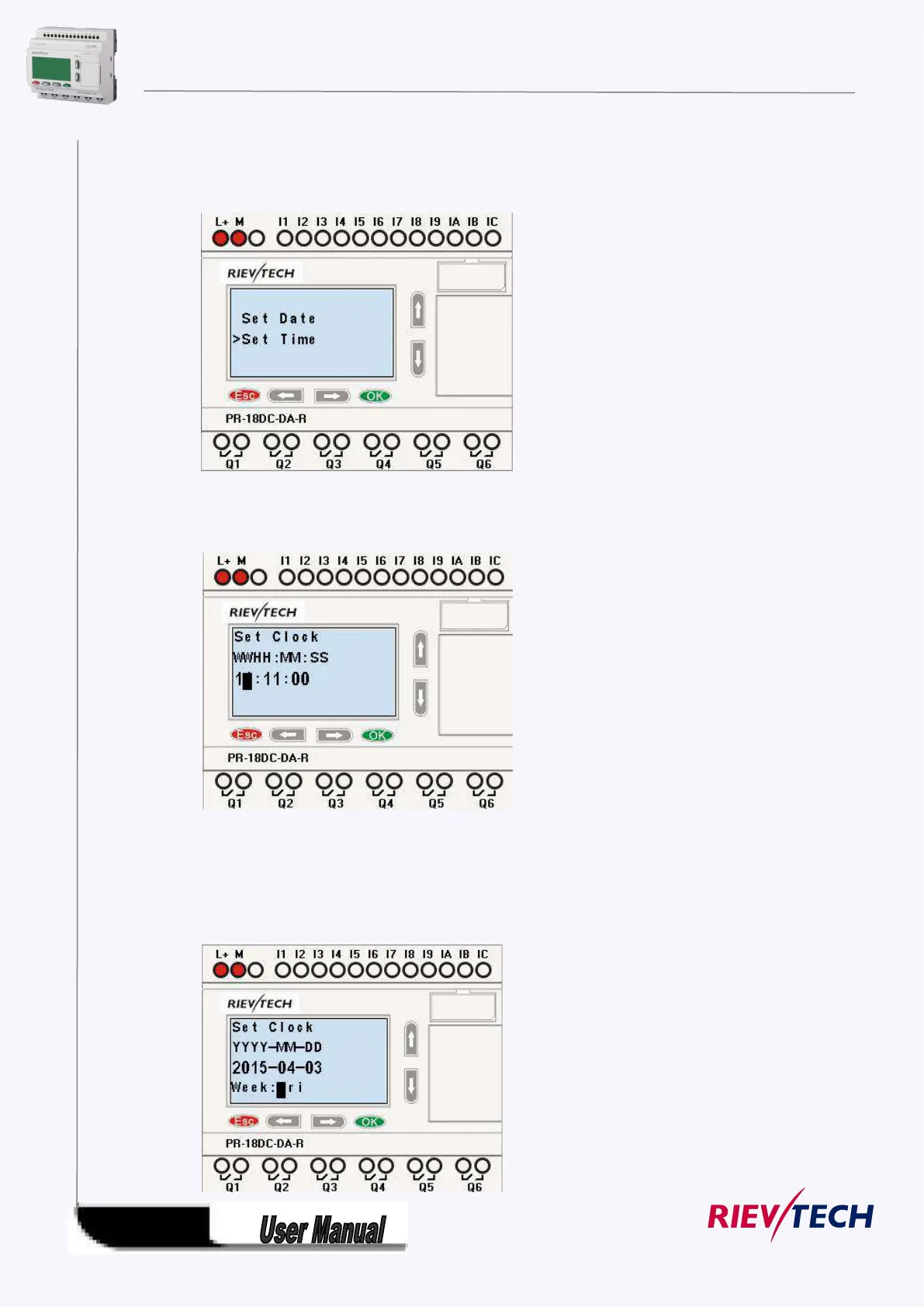
Press “UP” or “DOWN” key to realize the date which you want to set .After you
finished your setting, press OK key to return to:
If you want to set the time further, please move the cursor to” Set Time” menu, then press OK key:
Here you can set week day (From Monday to Sunday) and the clock. The method is similar to above. After
completion of your setup, press OK key:



 To Next Page