ROBOT S6
O) Button: it is used to copy the data of one layer onto another.
Note.
For a description of the keys P, Q, R, T2, T3, T4 and T5 see the chapter “wrapping cycle screen”.
P) Wrapping cycle.
Q) Distance from the ground of wrapping start.
R) Programming the reinforcement wrapping.
2) Cutting (Optional).
3) Altimeter.
4) Film height adjuster – creasing device.
5) F1 Special cycle.
U) Push-button: used to enable/disable the indicated level.
) Zone: indicates the number of the level.
Z) Battery charge state indicator: indicates battery charge state.
‒ Battery ok: The battery condition is signalled by means of coloured bars (green, yellow and red).
‒ Battery flat: This condition is signalled when the battery level is below 20%. An alarm message
and an acoustic warning are produced.
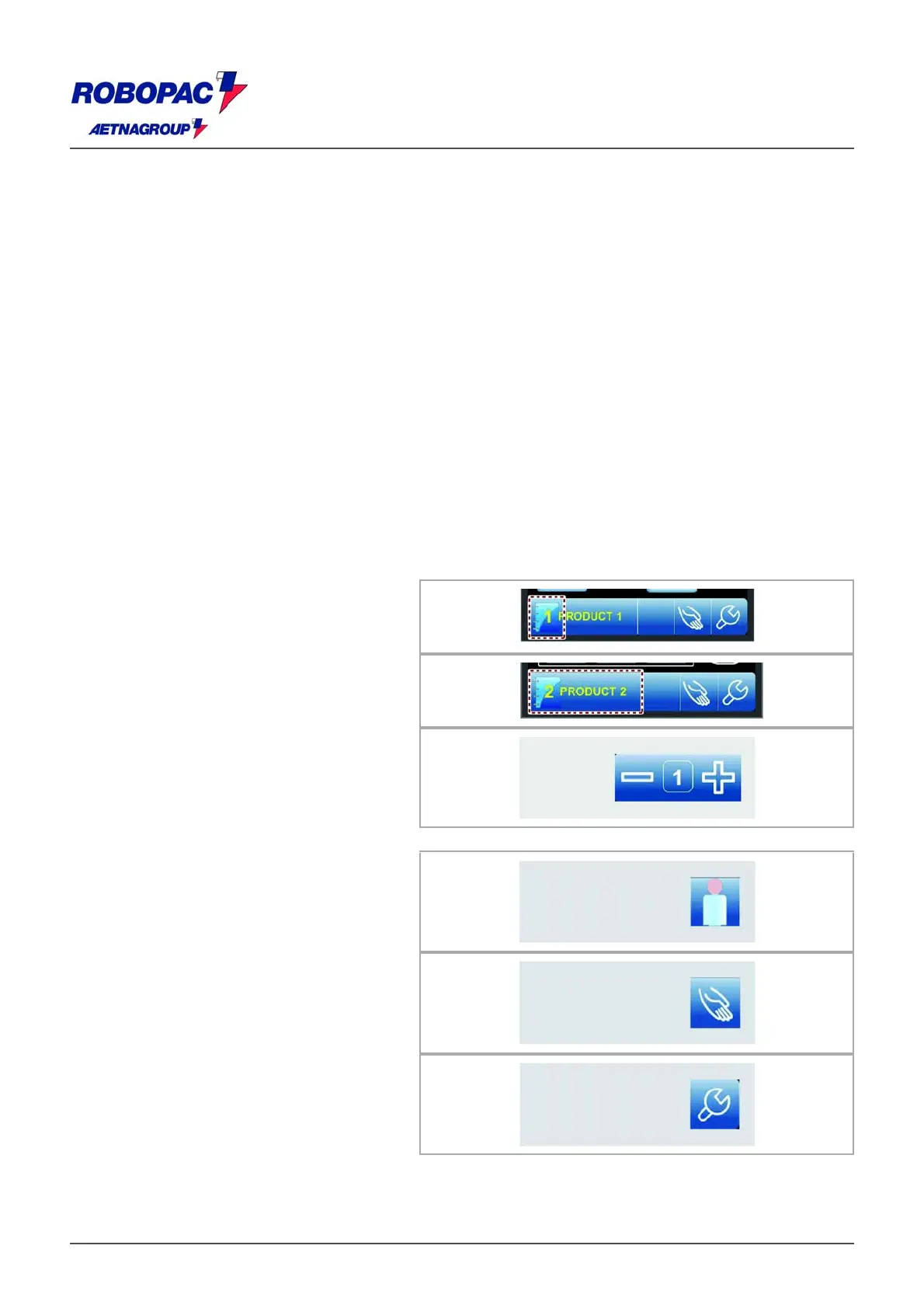
S) Tool bar.
The tool bar is displayed on all the screens and contains only the keys that can be activated.
The list shows the description of the elements (push-buttons, icons, Etc…) displayed in the area.
‒ Push-button: used to display the
"Recipes" screenshot.
The number displayed indicates the
activated recipe.
‒ Area: displays the name of the activated
recipe.
‒ Buttons: They are used to display the
screens for programming the set of
parameters of the wrapping cycle.
The set of parameters displayed is the
one in use by the wrapping cycle.
For further details, see paragraph
""Wrapping cycle" screen".
‒ Push-button: used to display the
"password insertion" screenshot.
For further details consult the paragraph
on "password insertion screenshot (user
login)".
‒ Button: it is used to display the “Manual
handling” page.
‒ Button: it is used to display the
screenshot “General parameters”.







 To Next Page