6-9 Setting How the Auxiliary Dryer Operates
113
Chapter 6 Feature reference
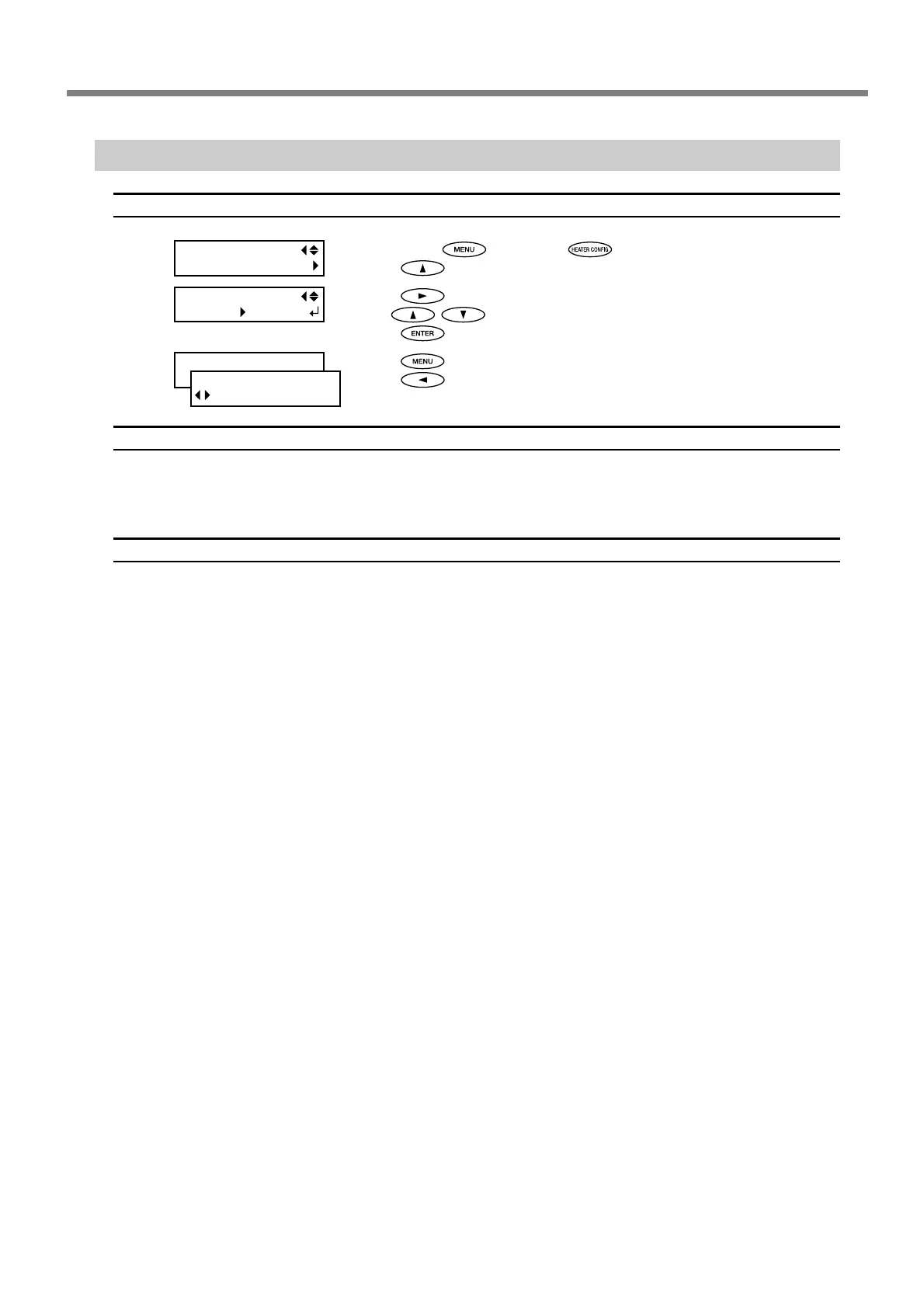
Switching the Blower-fan Unit On and Off
Procedure
➊
Hold down and press .
Press
.
➋
Press .
Use
to select "ENABLE" or "DISABLE."
Press
.
➌
Press .
Press
to go back to the original screen.
Description
This switches the blower-fan unit on or off.
When the blower-fan unit is installed, set [BLOWER FAN] to "ENABLE."
Default Setting
[BLOWER FAN]: DISABLE
W 1346mm
SETUP SHEET
ROLL
HEATER MENU
BLOWER FAN
BLOWER FAN
DISABLE
ENABLE



 To Next Page
 Loading...











