General information on the machine
Edition BE210202
03.2022
Rondostar 5000
Operating manual
70
3.6 Operating and display elements
3.6.1 Switches – buttons – displays
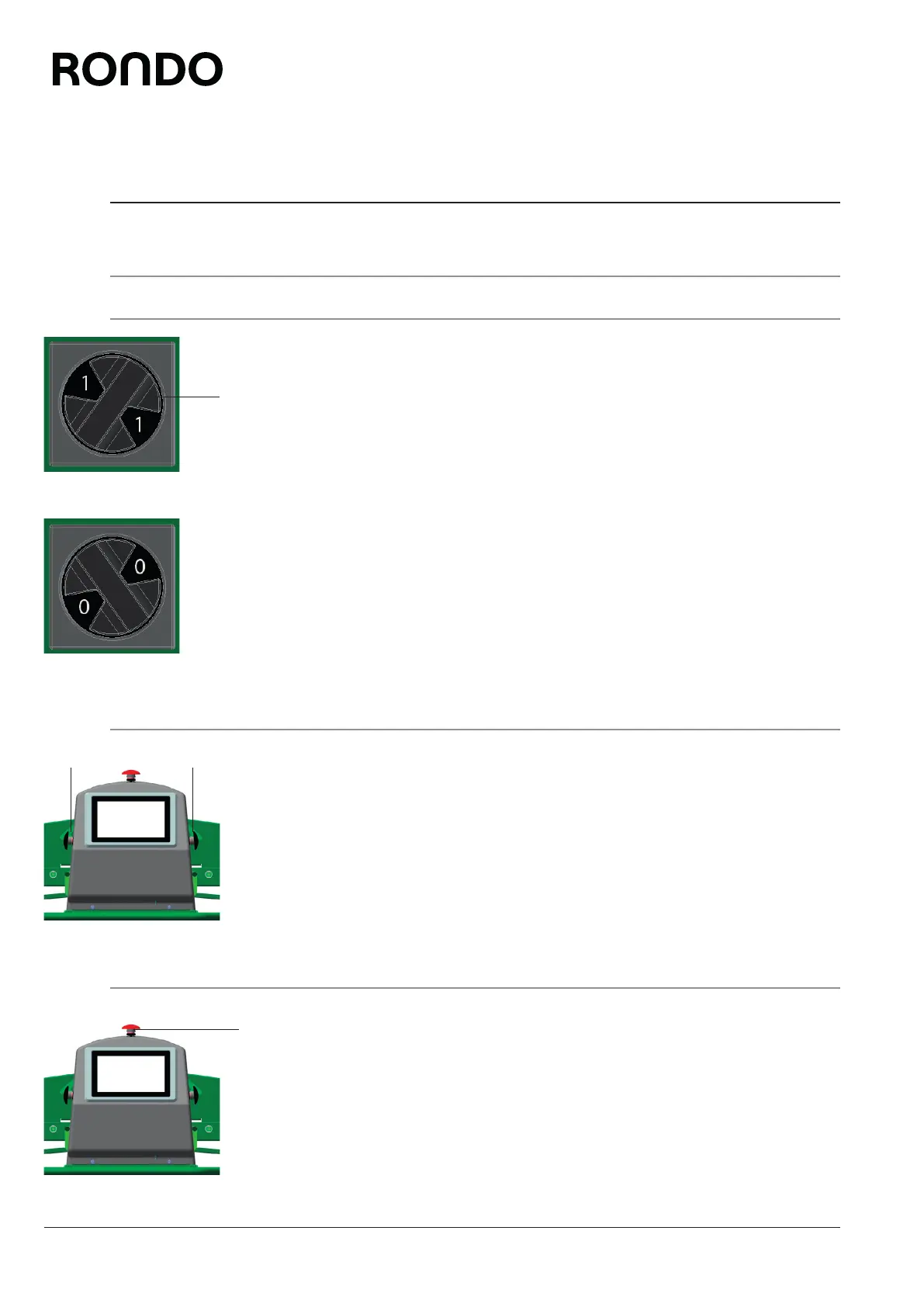
3.6.1.1 main switch
Switching the machine on
Turn the main switch (1) on the substructure to position (I).
Switch machine off
Turn the main switch (1) on the substructure to position (0).
3.6.1.2 Black mushroom button
Start machine
Press black mushroom button (1).
3.6.1.3 Red mushroom button
Stop machine
Press the red mushroom button (1).
1
1 1
1



 To Next Page