Putting into operation
Edition BE210202
03.2022
Rondostar 5000
Operating manual
75
4.2 Switching the machine on / off
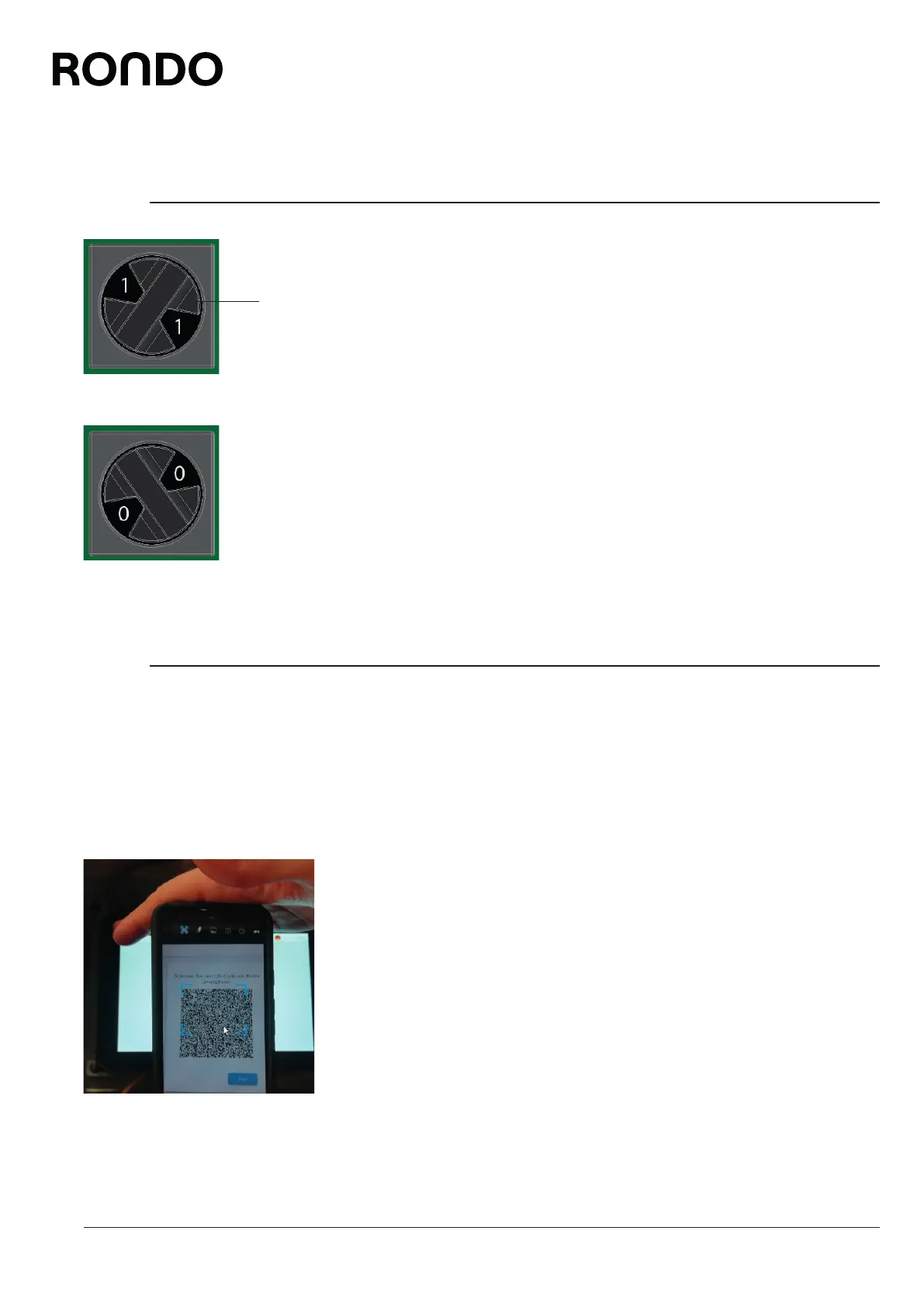
Switching the machine on
Turn the main switch (1) on the substructure to position (I).
Switch machine off
Turn the main switch (1) on the substructure to position (0).
4.3 Registering the machine
Requirements:
• Mobile device (smartphone, pad, etc.) with QR code scanning
function is available.
• Mobile device with Internet connection is available.
1. Scan the QR code.
2. Tap Enter.
► A new QR code is displayed on the touch screen.
3. Scan the new QR code.
► Depending on the mobile device, you must tap on “Visit web-
site”.
► A 64-digit code appears on the mobile device.
1



 To Next Page