Maintenance
Edition BE210202
03.2022
Rondostar 5000
Operating manual
126
7.4.5 Checking the safety guards trigger point
Check the trigger point (see 9.1 Technical data) of the safety guards. In
case of deviation:
• Shut the machine down immediately.
• Contact customer service immediately.
7.4.6 Replacing the scrapers
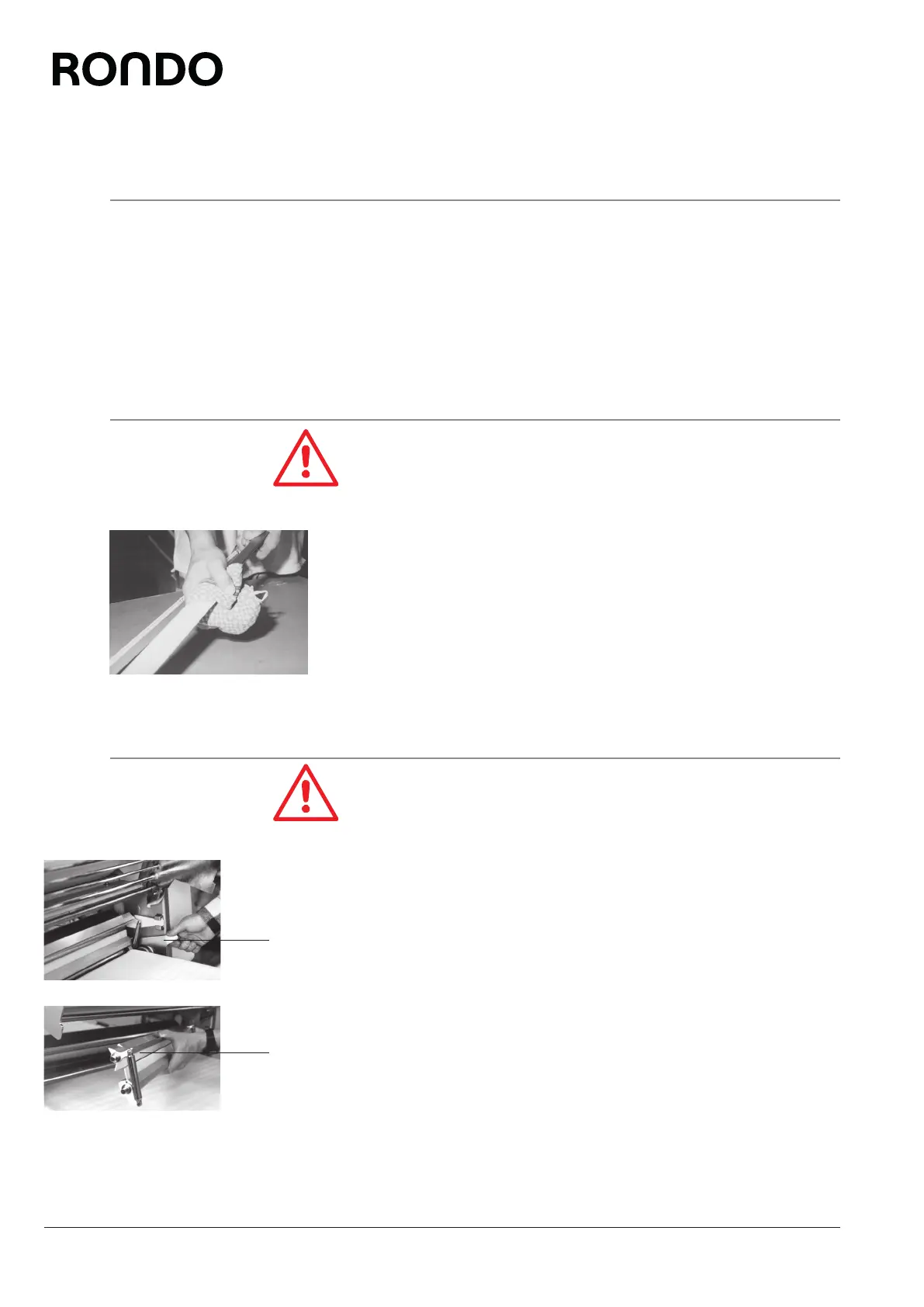
Use a cloth to protect your hands, as the edges of the scraper
blades are sharp and there is a danger of cuts.
7.4.6.1 Removing the scrapers
1. Close rollers to around 2 mm in “manual” operating mode.
2. Engage safety guard in the upper position.
3. Push down the front and rear scraper bracket (3) with your thumb.
4. Lift the scraper (4) out of the scraper mount.
5. Remove the scraper (4).
6. Clean the scraper (see 6.1.1 Care).
4
3



 To Next Page