Operation
Edition BE210202
03.2022
Rondostar 5000
Operating manual
88
5.5.1.2 Performing daily corrections
The program can be temporarily changed with daily corrections by any
user. When you exit the program, the daily corrections are deleted.
Daily corrections can be saved by the foreman or users with higher
authorization. The following daily corrections are possible:
• Initial roller gap
• Automatic width monitoring system
• Activate/deactivate automatic flour duster
• Final roller gap
• Roller reduction curve
• etc.
1. Open side tab.
2. Open program list.
3. Select the desired program.
4. Tap the desired sequence.
► The sequence is highlighted
5. Tap the program step to be changed.
► The program step settings open.
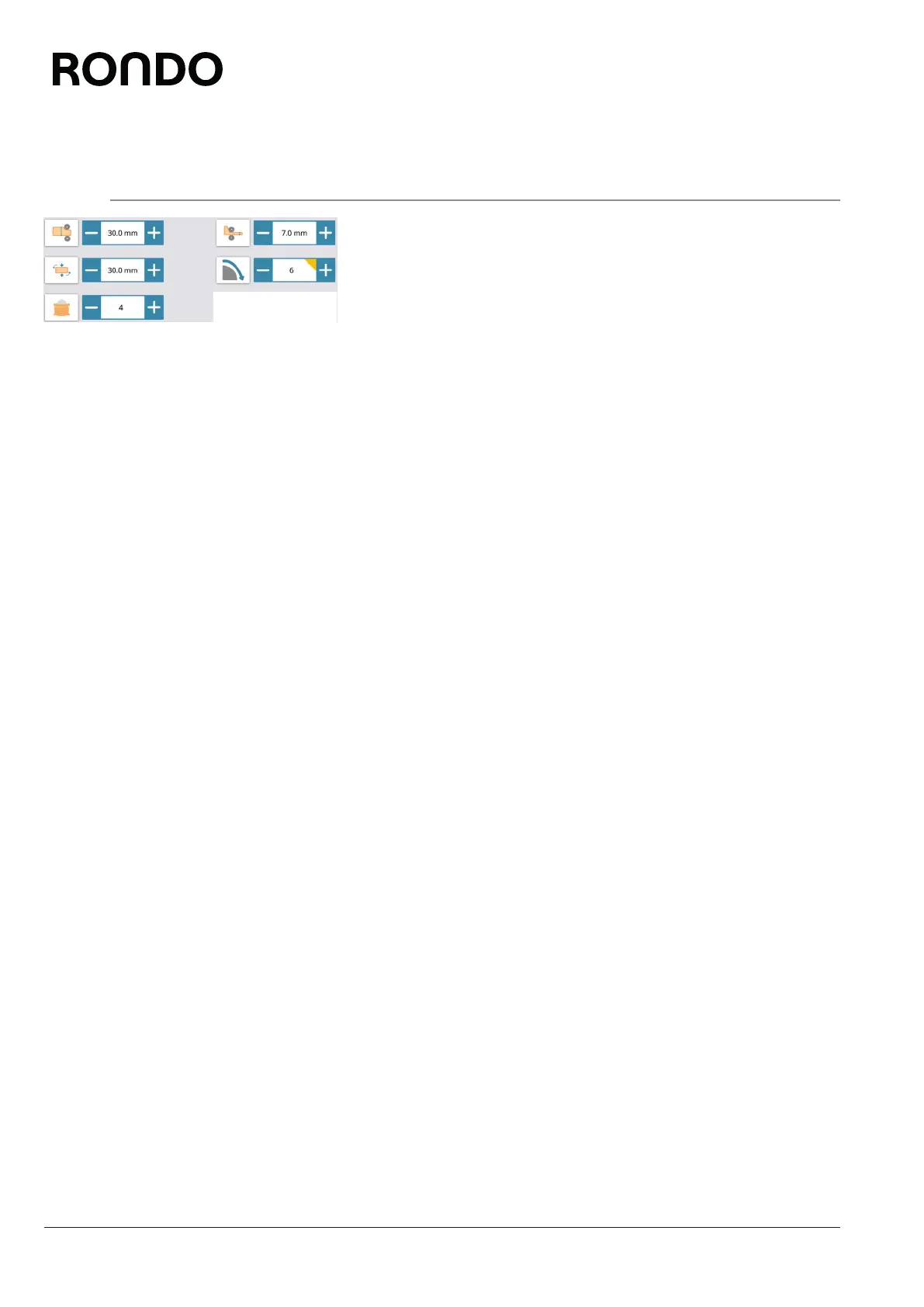
6. Carry out settings.
► Changed settings are highlighted with a yellow triangle.
7. Tap the quality mark icon.
► The daily correction is performed.



 To Next Page