Operation
Edition BE210202
03.2022
Rondostar 5000
Operating manual
87
5.5 Sheeting
• The machine must be started on the side on which the dough is
located.
• The initial roller gap should be 5 mm less than the dough.
5.5.1 Working in production mode
1. Open side tab.
2. Open program list.
3. Select the desired program.
4. Tap the desired sequence.
► The sequence is highlighted.
5. Position the dough.
6. Press the black mushroom button on the dough side.
► Machine starts.
5.5.1.1 Re-entering the sequence from a defined program step
1. Open side tab.
2. Open program list.
3. Select the desired program.
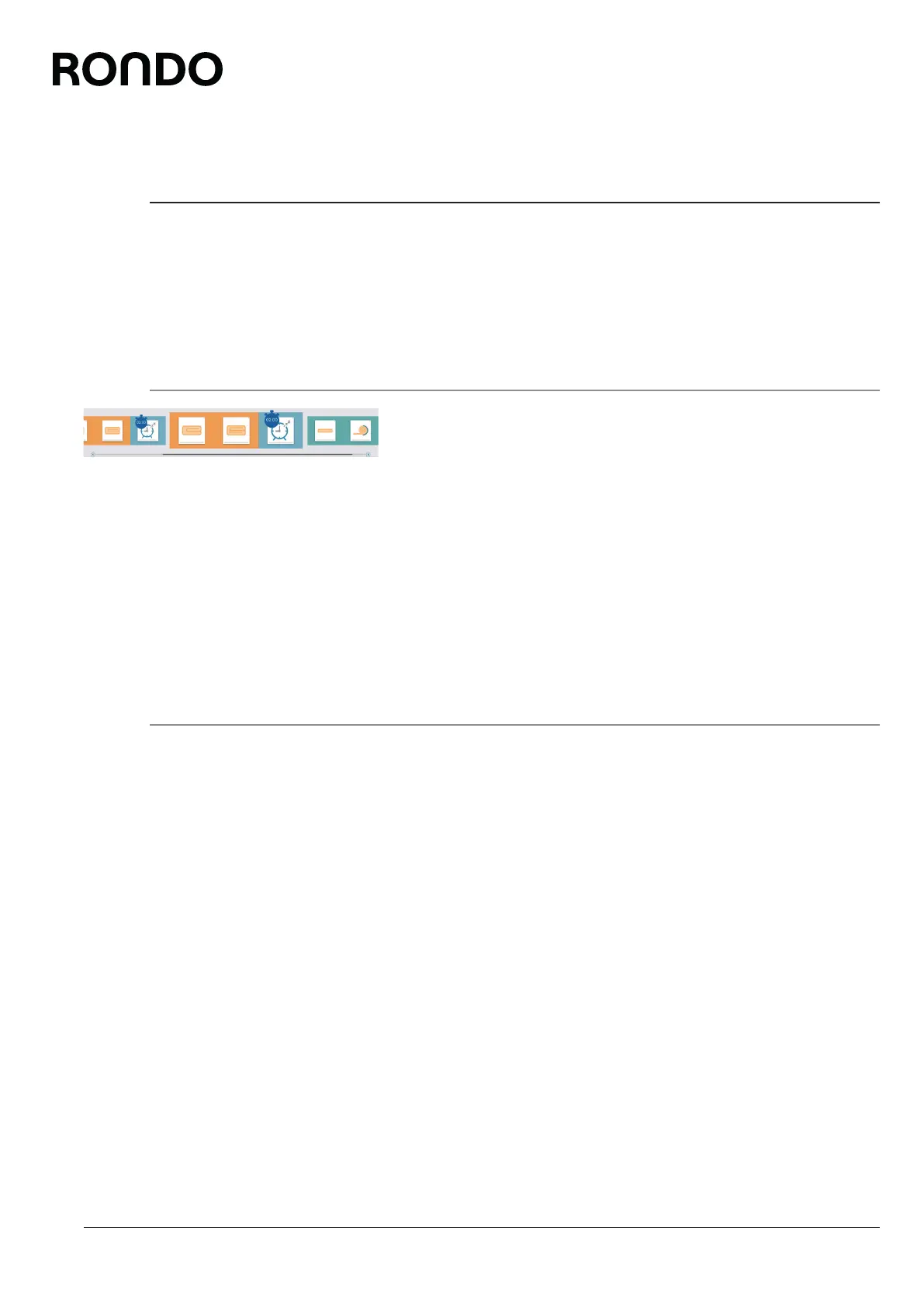
4. Tap and hold the desired program step.
► The sequence is highlighted from the re-entry point.
5. Position the dough.
6. Press the black mushroom button on the dough side.
► Machine starts.
► The sequence is processed from the re-entry point.
► The sequence is highlighted and is ready for complete process-
ing.



 To Next Page