Operation
Edition BE210202
03.2022
Rondostar 5000
Operating manual
86
5.4.9 Load product image / portrait from USB stick [foreman or higher]
Requirements for product image / portrait
File format PNG, SVG, JPG
File size (maximum) 500KB
Image size (recommended) 200 x 200 pixel
Image size (maximum) 2000 x 2000 pixel
1. Prepare the USB stick.
See chapter 5.4.6 Preparing the USB stick [foreman or higher]
2. Copy product image to the “Products” folder on the USB stick.
3. Copy portrait to the “Portraits” folder on the USB stick.
4. Insert the USB stick into the interface.
5. Log on as foreman. Otherwise you will have no read authorisation.
6. Tap import product image / portrait.
► Import pop-up opens. Otherwise tap the USB icon in the
program list.
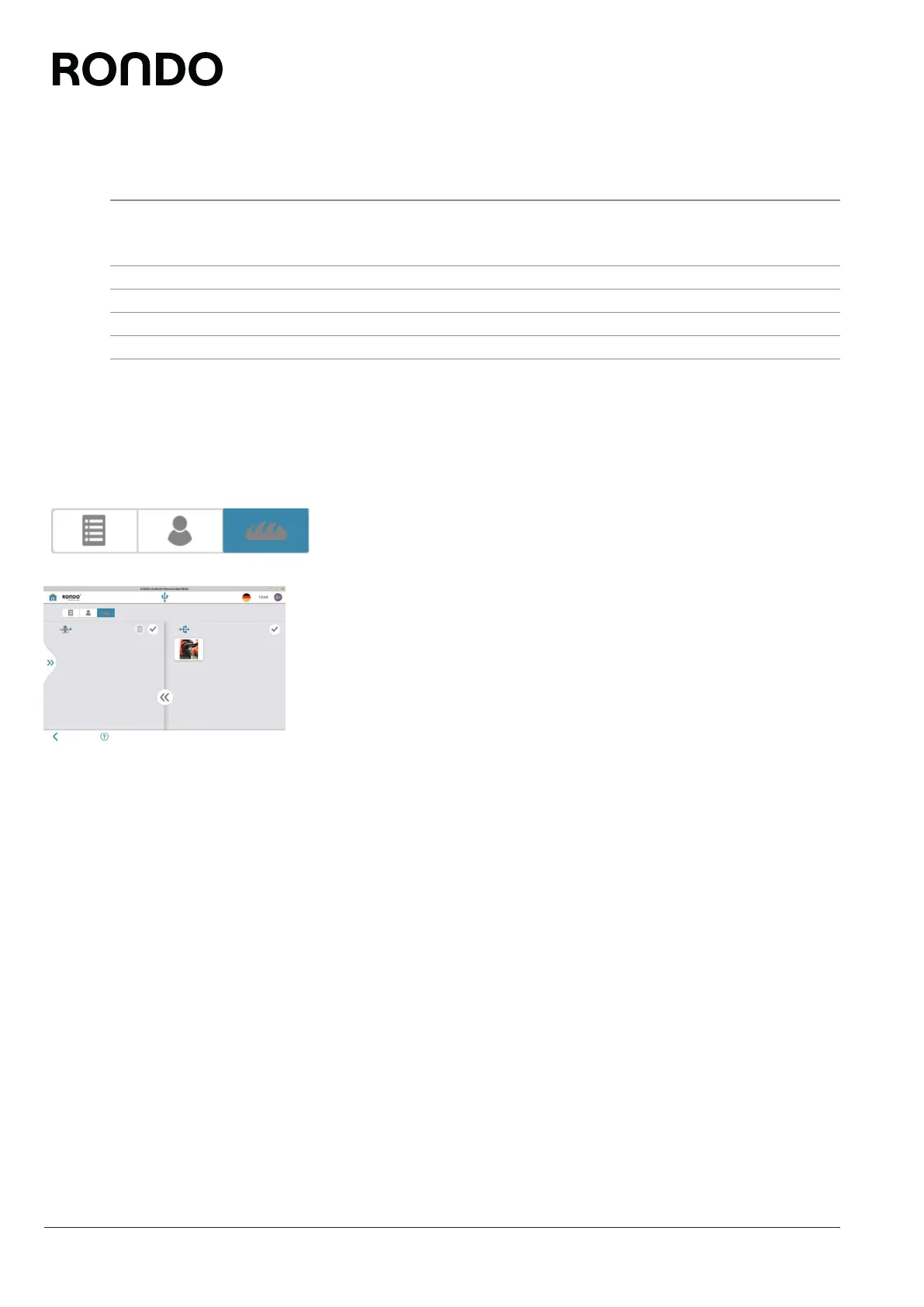
7. Tap bread icon / person icon.
8. Select relevant image from the right-hand column.
9. Tap the double arrow icon.
10. Follow further instructions where applicable.
► The program image is saved on the machine.
11. Remove USB stick from the interface.



 To Next Page