Operation
Edition BE210202
03.2022
Rondostar 5000
Operating manual
89
5.6 Settings
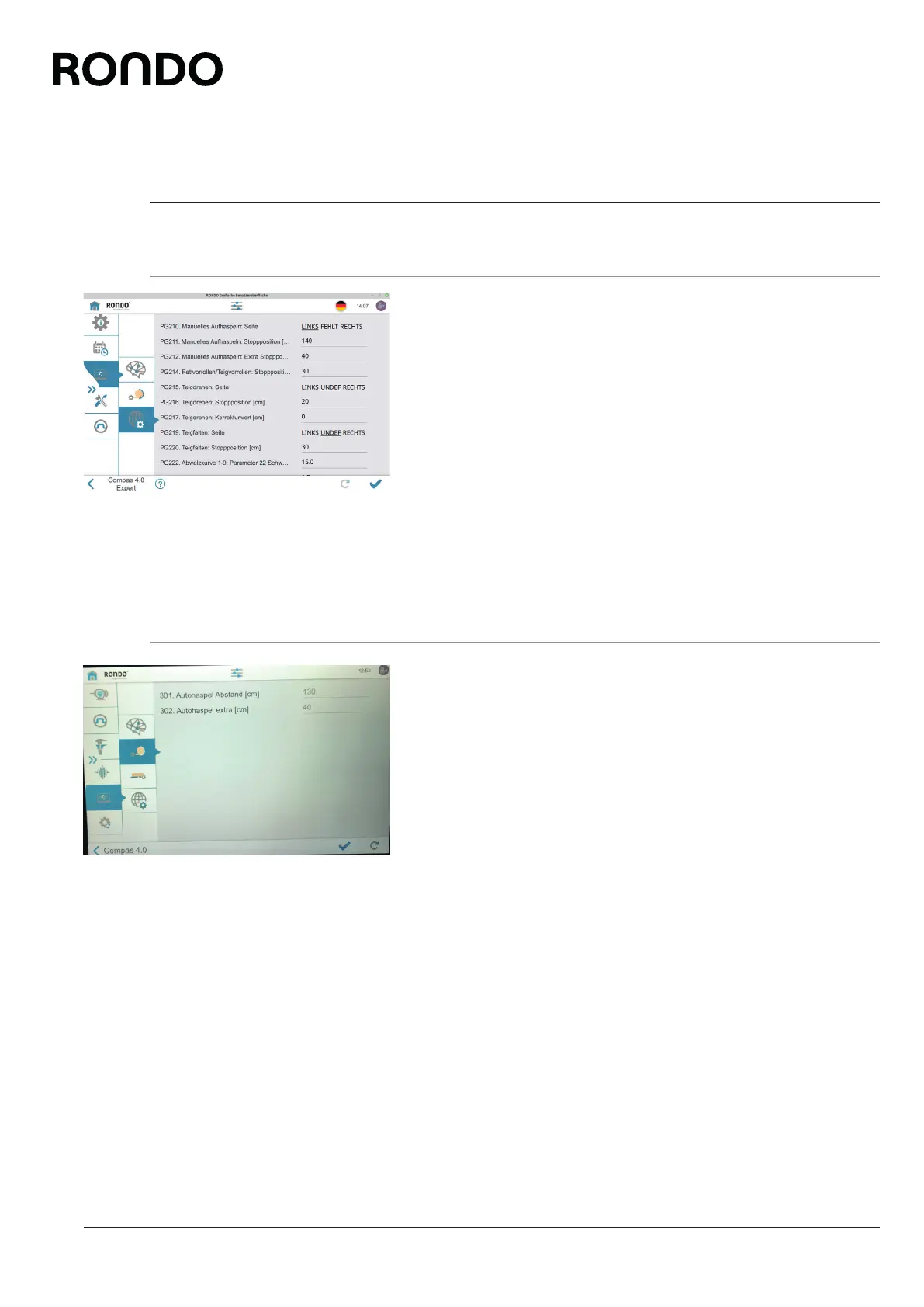
5.6.1 Set parameters: Dough processing [foreman or higher]
The parameters are preset at the factory. Only change them if abso-
lutely essential. Only change them if you know their function. If the
explanatory texts are inadequate, contact customer service.
1. Open side tab.
2. Open the settings menu.
3. Open the parameter list.
4. Tap global parameters.
5. Set parameters.
5.6.2 Set parameters: End function [foreman or higher]
The parameters are preset at the factory. Only change them if abso-
lutely essential. Only change them if you know their function. If the
explanatory texts are inadequate, contact customer service.
1. Open side tab.
2. Open the settings menu.
3. Open the parameter list.
4. Tap automatic reeling device or transfer.
5. Set parameters.



 To Next Page