Operation
Edition BE210202
03.2022
Rondostar 5000
Operating manual
80
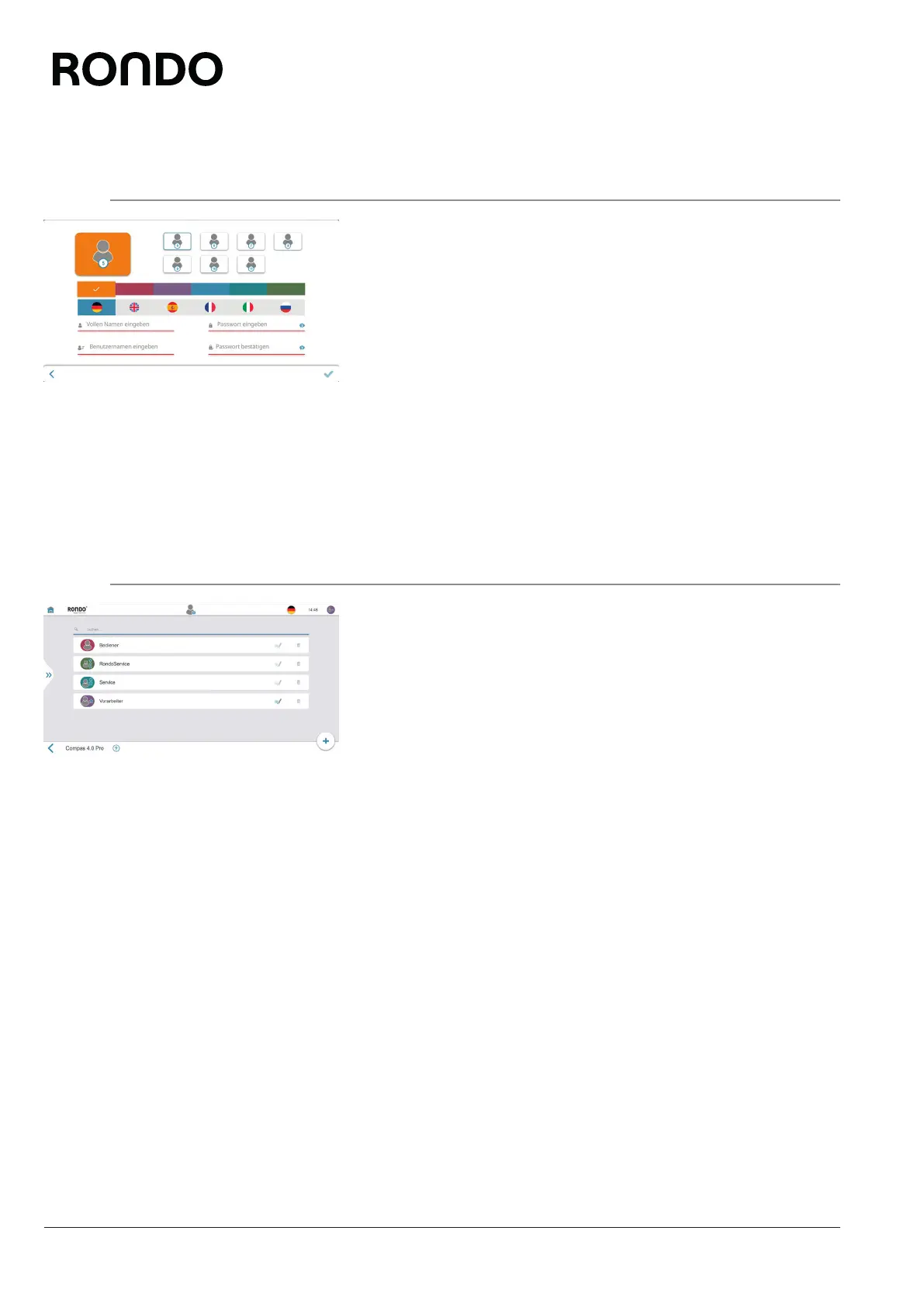
5.3.2 Create new user [foreman or higher]
You can create an unlimited number of users. These will have the ac-
cess authorisations of the operator user level.
1. Open side tab.
2. Open user management menu.
3. Tap plus icon.
4. Enter the user’s full name, user name, user colour, user language,
user photo and password.
5. Tap the quality mark icon.
► The new user is displayed in the user management.
5.3.3 Manage users [foreman or higher]
You can manage existing users at the operator user level.
1. Open side tab.
2. Open user management menu.
3. Tap the icon for editing the relevant program.
4. Change the user’s full name, user name, user colour, user lan-
guage, user photo and password.
5. Tap the quality mark icon.
► The user has been changed.



 To Next Page